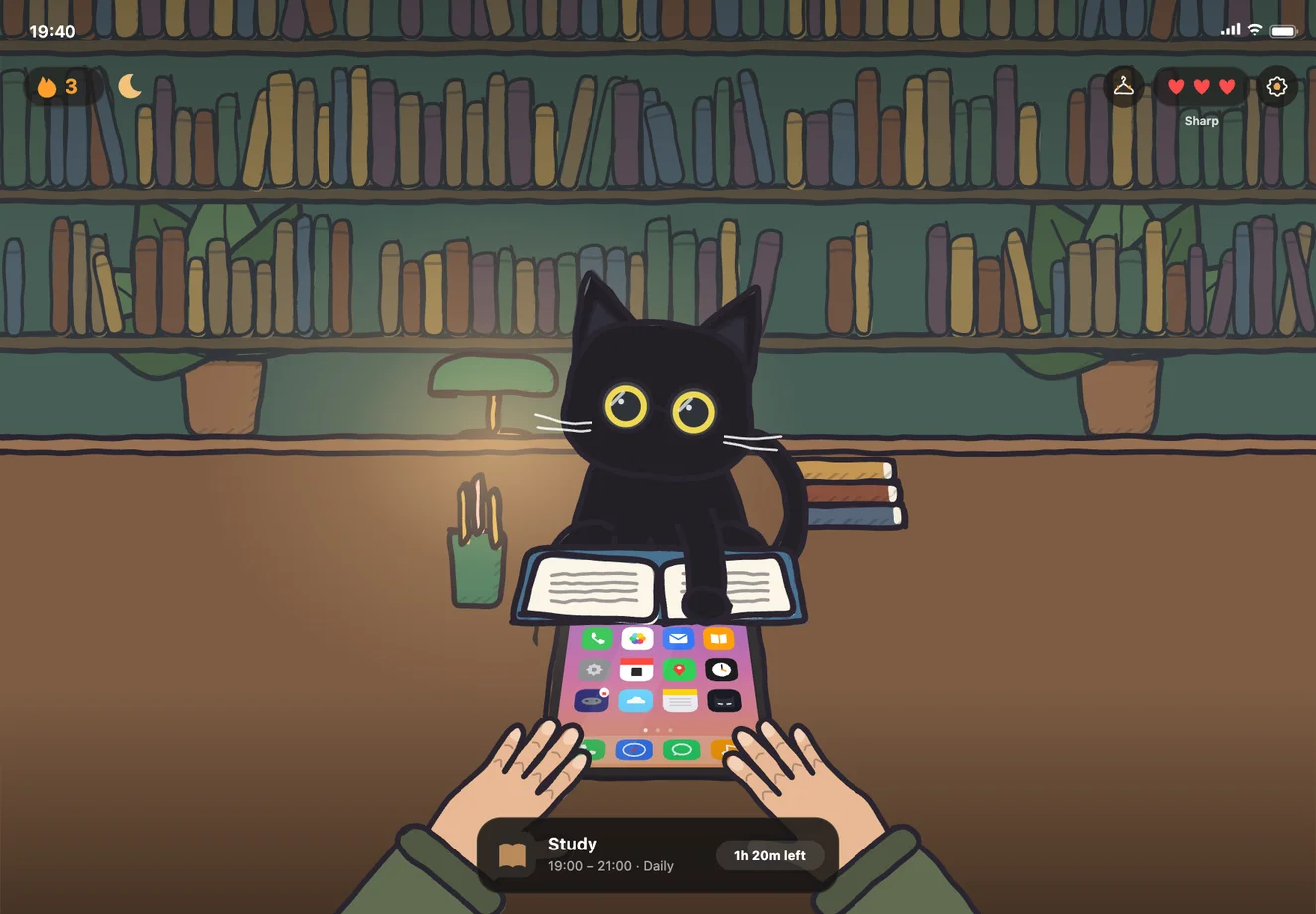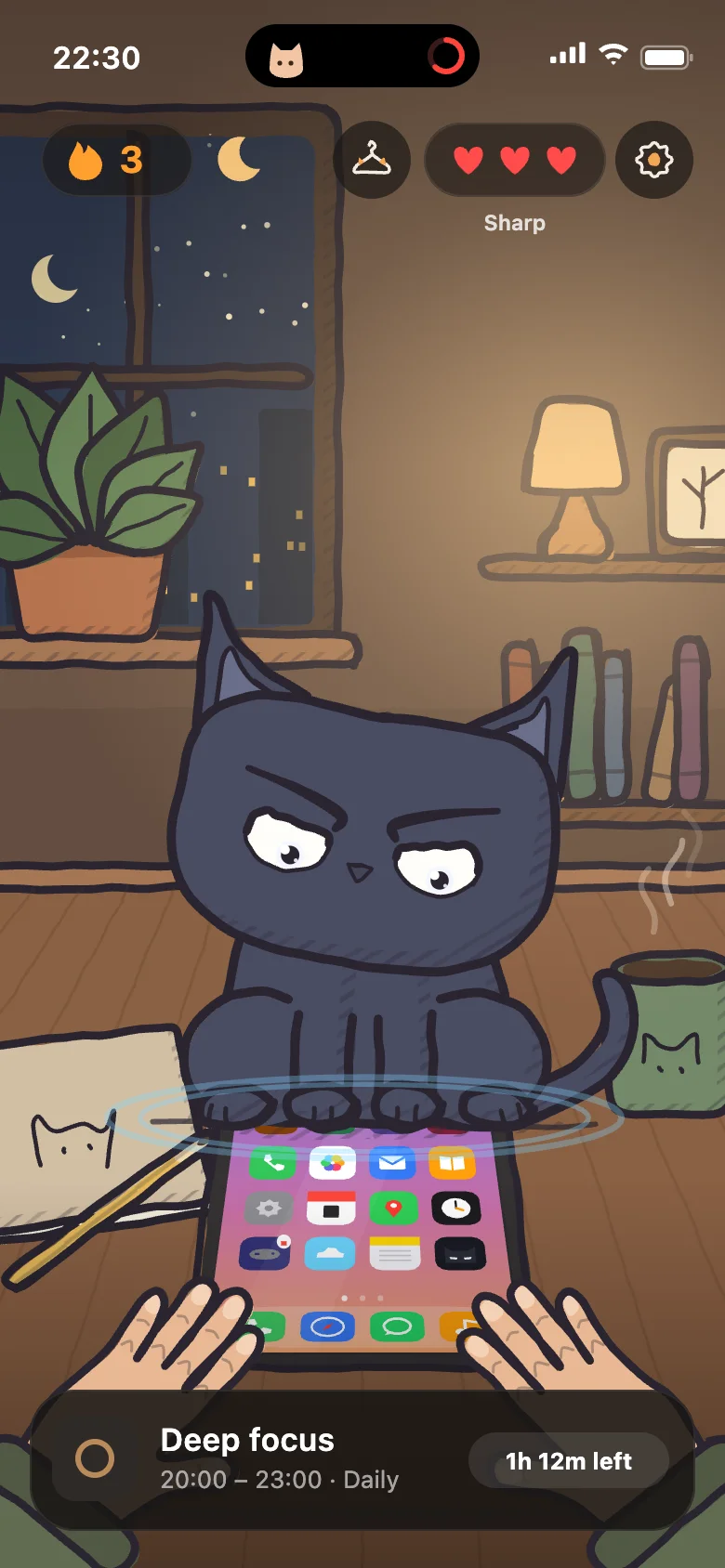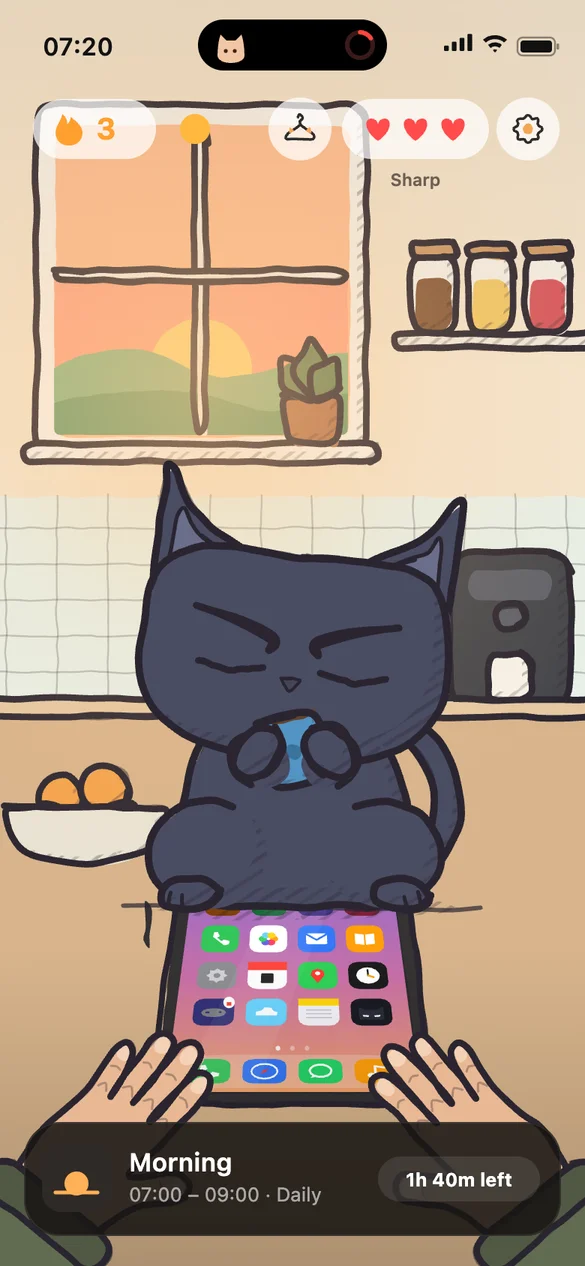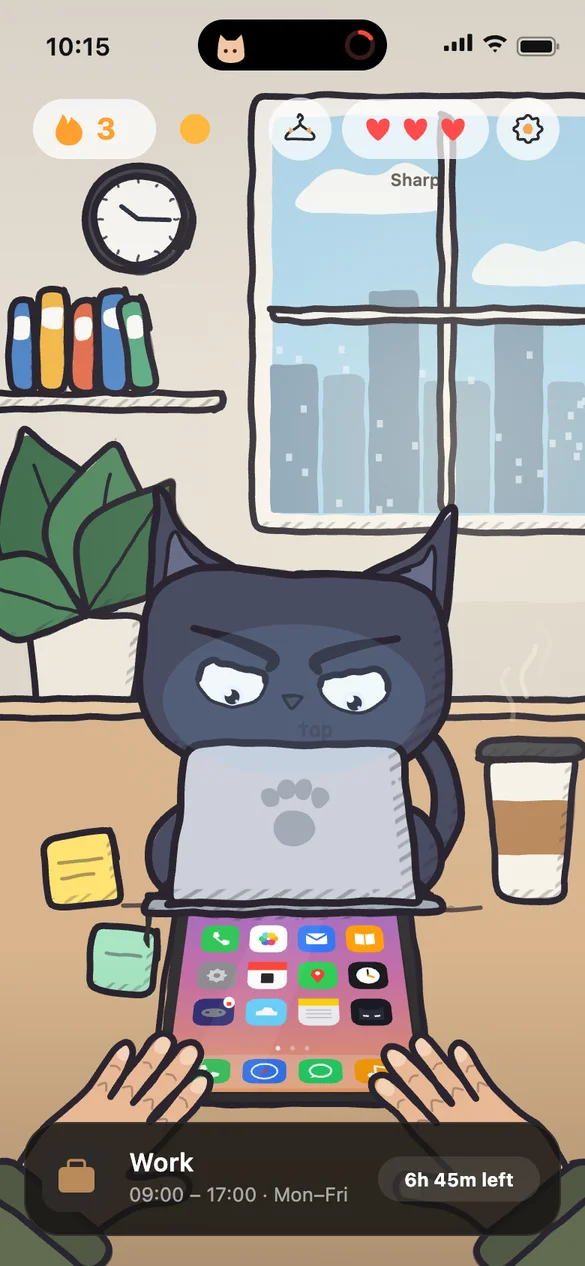
Focus app for iOS

Stop negotiating
with yourself.

EvoCat enforces the rules you set. When a session starts, distractions are locked. No mid-session switching. No bargaining.

Pick your Cat for today.

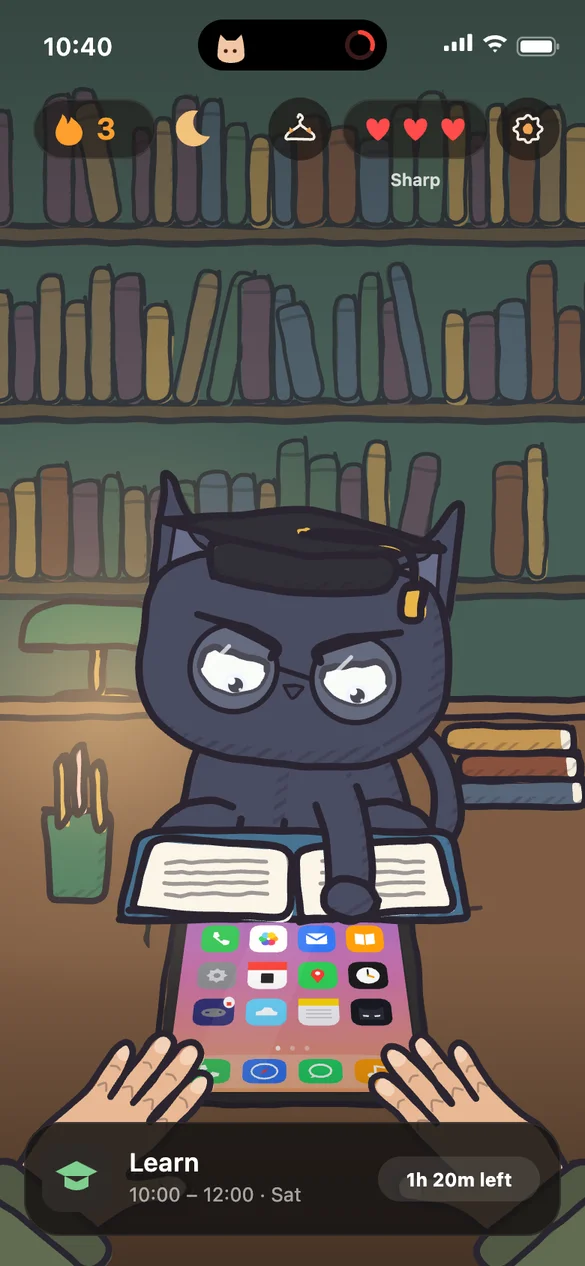
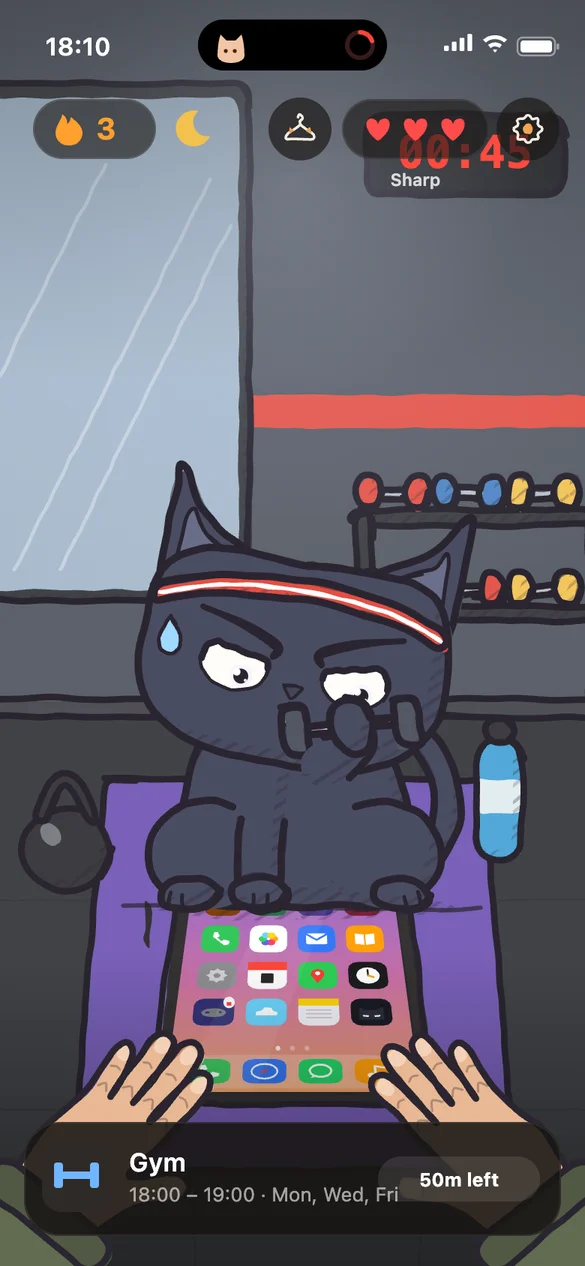
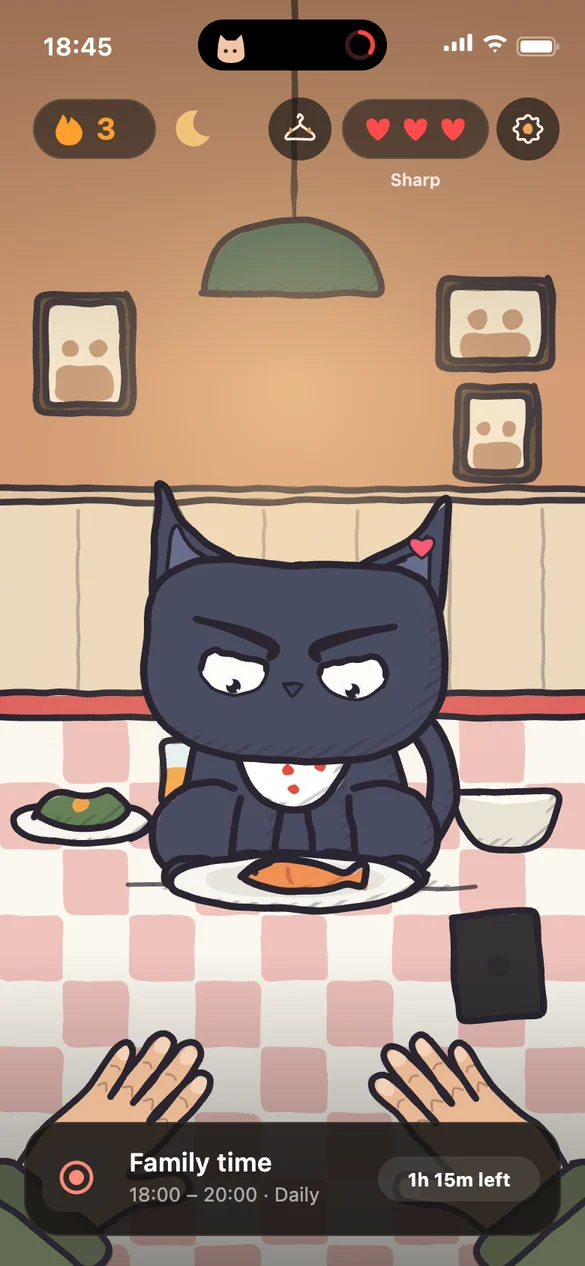
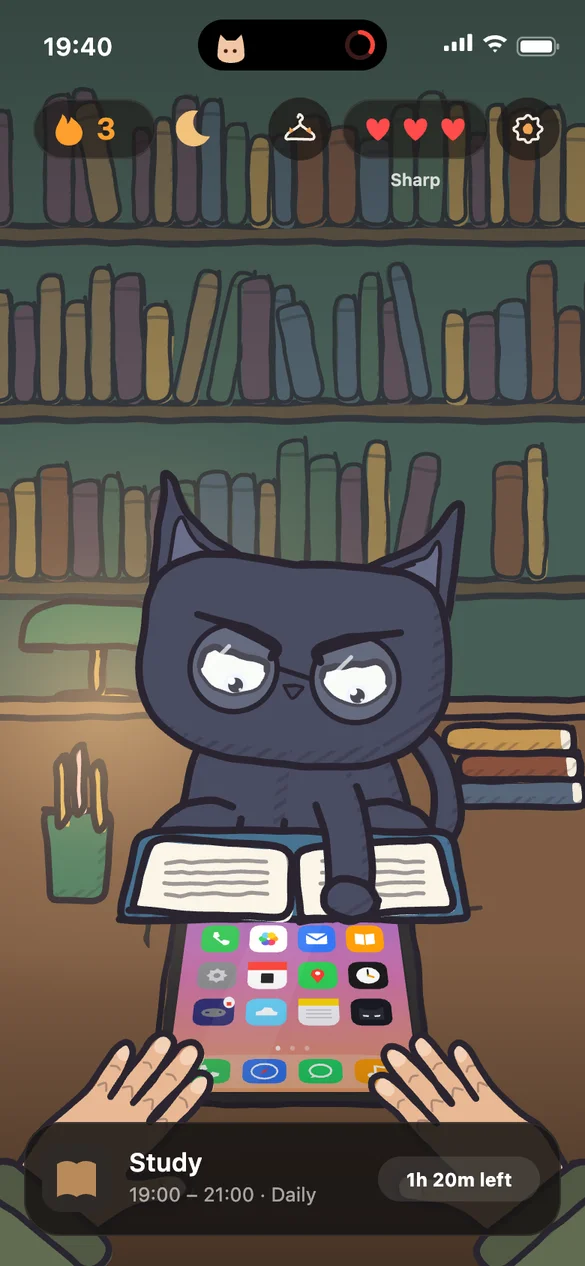
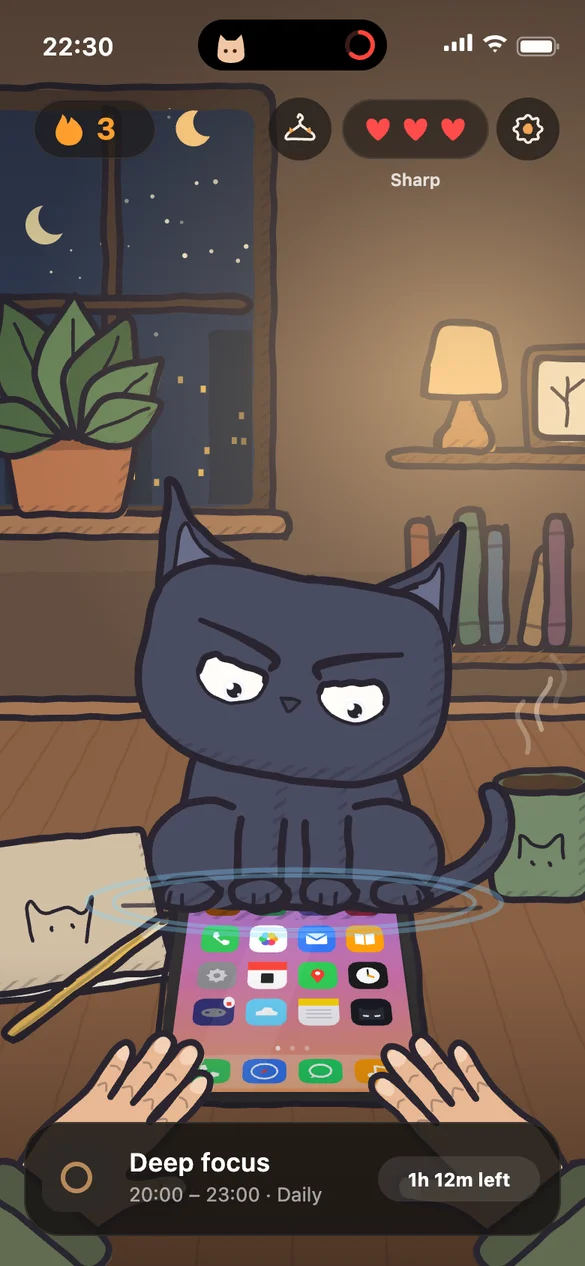
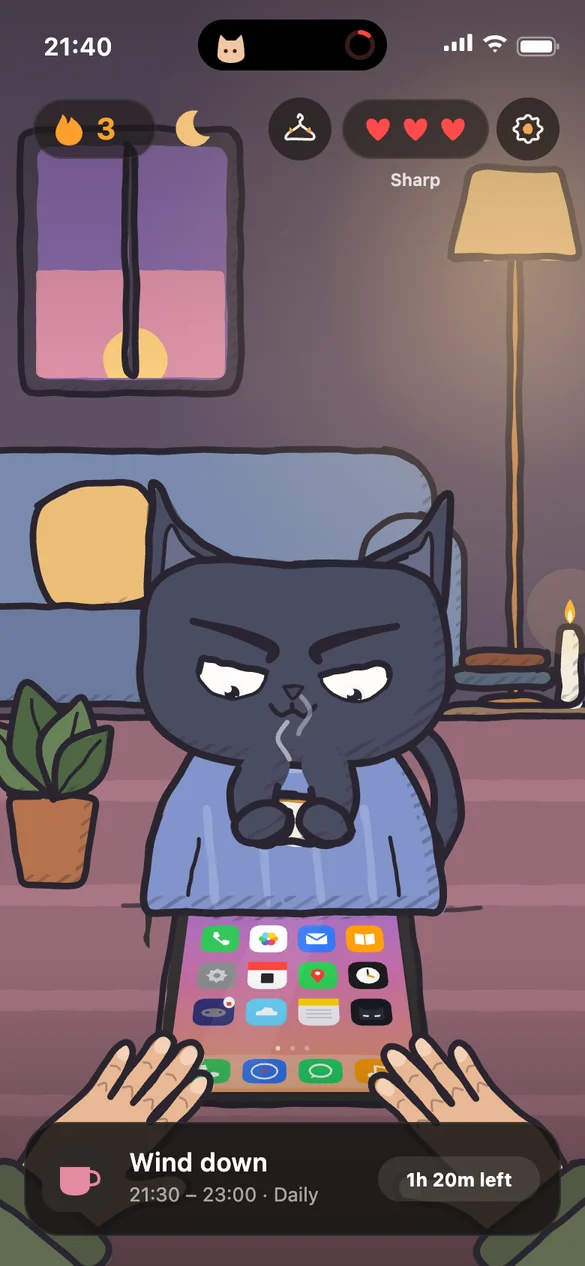
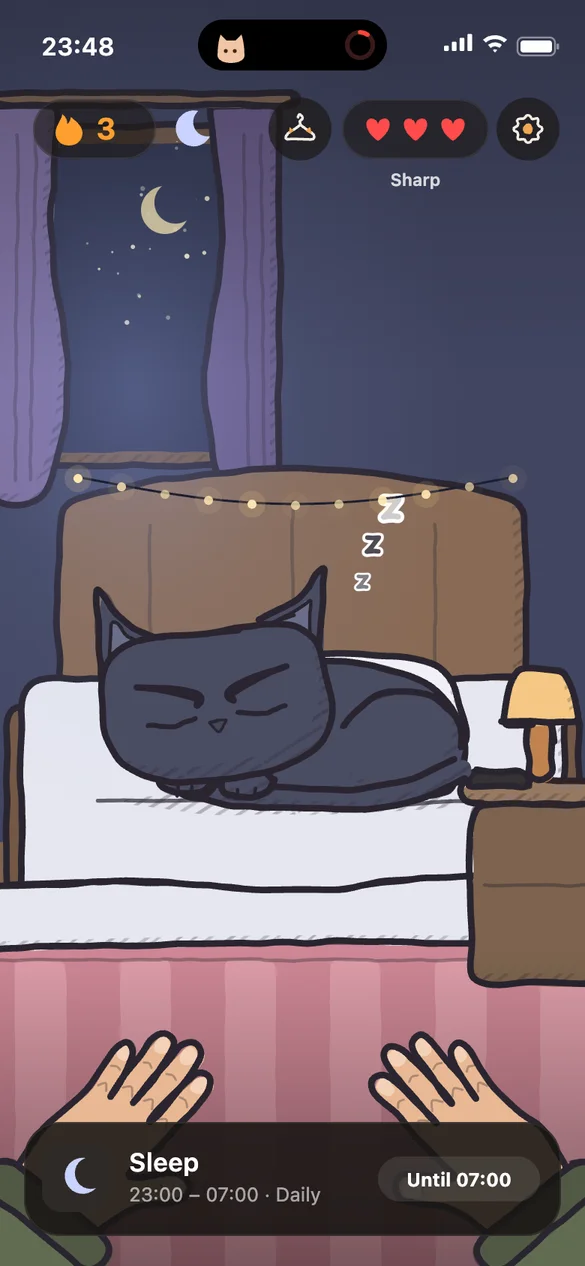
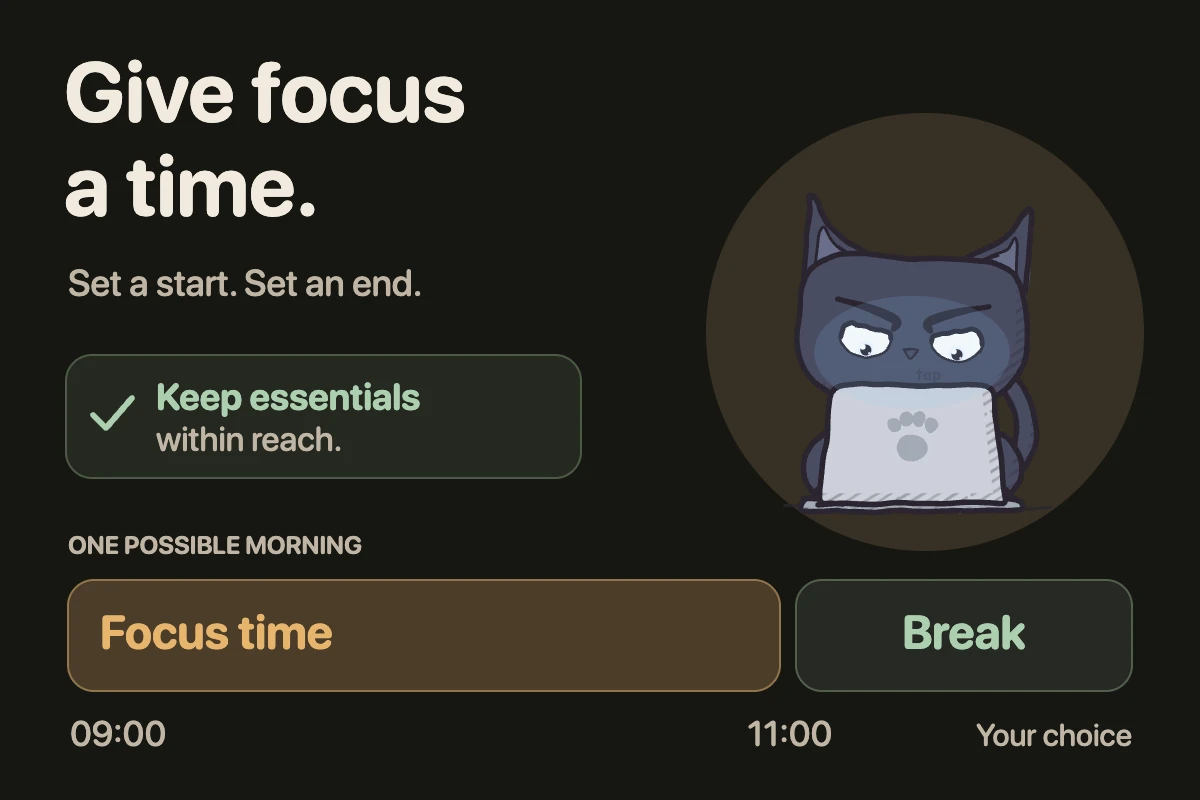
EvoCat app running on iPhone
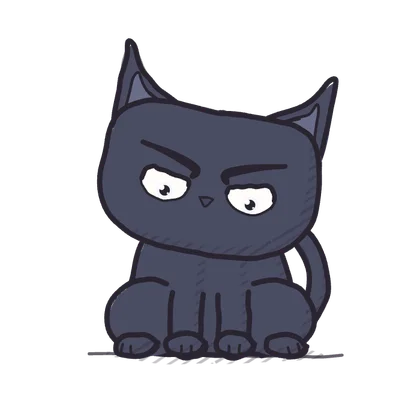
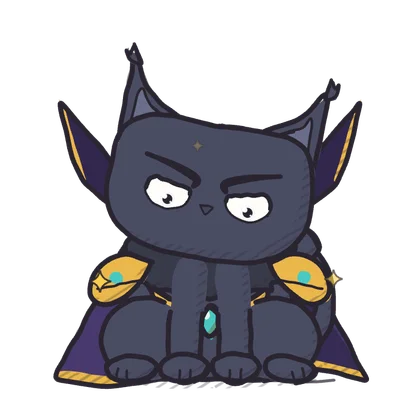
IronCat
Strict Mode

IronCat.
The default.

  • Hard block. No bypass screen.
  • No switching mid-session.
  • One Cat per day.
  • "Give up today" records the day honestly.

If you're unsure which Cat to pick, you're already using the right one.

How it works

No willpower required once the session starts.

01

Choose what to block.

Select apps, categories, or websites. Configured once — not each time you feel tempted.

02

Set your schedule.

Recurring time windows. Sessions repeat automatically. No daily opt-in.

03

Pick your Cat.

One enforcement style per day. IronCat gives you the least room to maneuver.

04

It runs.

When the session starts, blocking starts. Your schedule holds until it ends.

Choose your cat

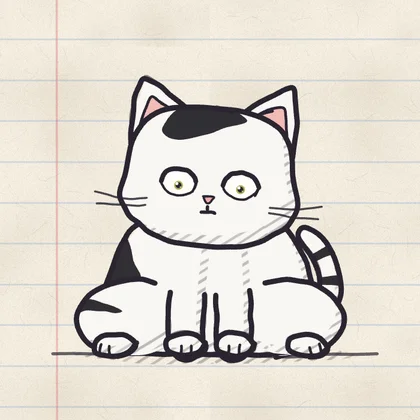
One global Cat at a time. Switch once per day. Never mid-session.

BuffCat

Effort gate

Physical challenge before access. Verified by camera. Effort creates pause.

Physical challenge Camera-verified

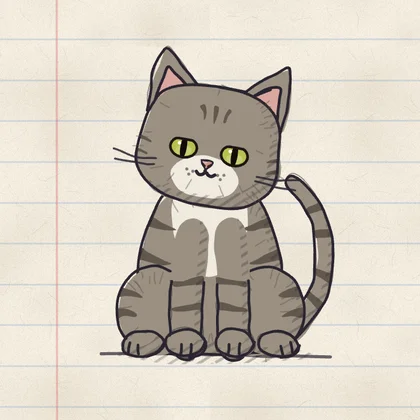
SageCat

Mental challenge

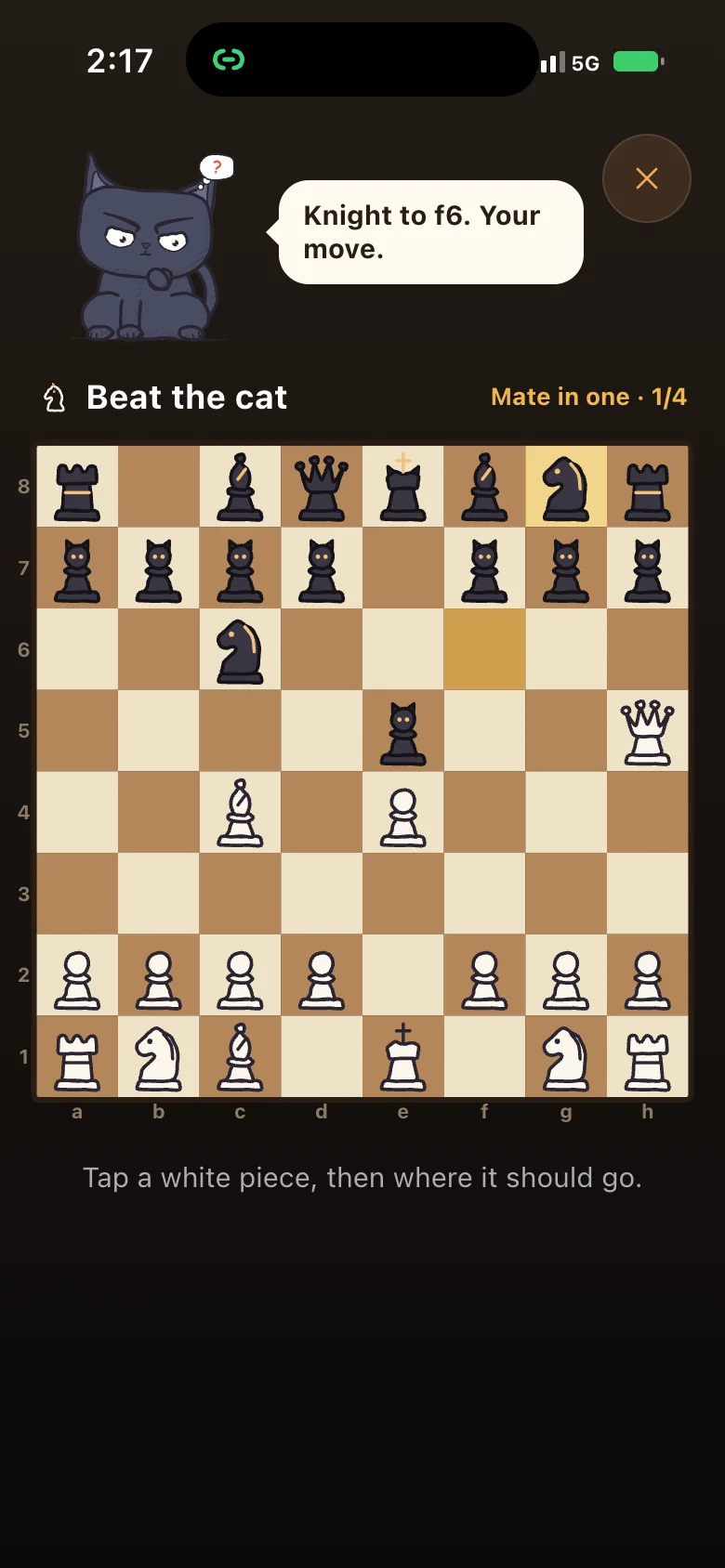
Cognitive challenge before access. Makes reaching for your phone feel intentional.

Cognitive friction Intentional bypass

ZenCat

Mindful breathing

Breathing exercise before access. The softest entry point. Builds awareness.

Breathing exercise Softest mode
Recurring schedules

Schedules that hold.

Configure a schedule once. It runs every week, automatically, on the days you set.

If sessions overlap, blocking continues.
Your schedule wins over your mood.

One focus sheet All sessions in one place. Create, edit, activate.
Set once, runs automatically Focus becomes the default, not the exception.
Active session controls

Control that feels fair.

Pause

Short interruptions only. Session resumes automatically.

Give up today

Ends the session. Records the day honestly.

Runs entirely on Apple's Screen Time APIs. Blocking happens on-device. No accounts. No tracking.

FAQ

What does EvoCat block?

Apps, app categories (social media, games, entertainment), and specific websites. You choose what to block when you create each session.

Why is IronCat the default?

IronCat is the hardest enforcement style — no friction screen, no bypass option, no challenge to complete. It's the default because EvoCat is designed around commitment first. The other cats add a gate between intent and access. IronCat removes it entirely.

Can I switch cats whenever I want?

Once per day. The switch is immediate, but you cannot change cats while a session is running. Your enforcement style is a daily commitment — not a per-moment decision.

What happens when two schedules overlap?

Blocking continues. EvoCat uses union logic — if any active session blocks something, it stays blocked for the full overlap window. Two sessions can't cancel each other out.

Can I pause or end a session early?

Yes. Pause suspends blocking for 1–15 minutes — for genuine interruptions only. "Give up today" ends the session and records it as a failed day. Both are visible. Neither is hidden.

How does the streak system work?

Each day is either a win or a failure. Complete your sessions without giving up — day wins. Use "Give up today" — day fails. No XP, no partial credit.

Does EvoCat work if I force-quit the app?

Yes — blocking runs through iOS Screen Time APIs at the system level, not through the app process. However, a user with access to the Screen Time passcode in iOS Settings can bypass restrictions there. EvoCat works as a personal commitment tool, not a parental control.

Does EvoCat collect or share data?

No. Everything runs on-device. No account required. No behavioral data sent anywhere.

Is EvoCat available on Android?

No. iOS only. Screen Time APIs are Apple-specific. No Android release is planned.

From the blog

Pick your Cat
for today.

Focus starts when the session does.

Download EvoCat

3-day free trial · Annual plan · Cancel anytime before trial ends