
1. Park the phone
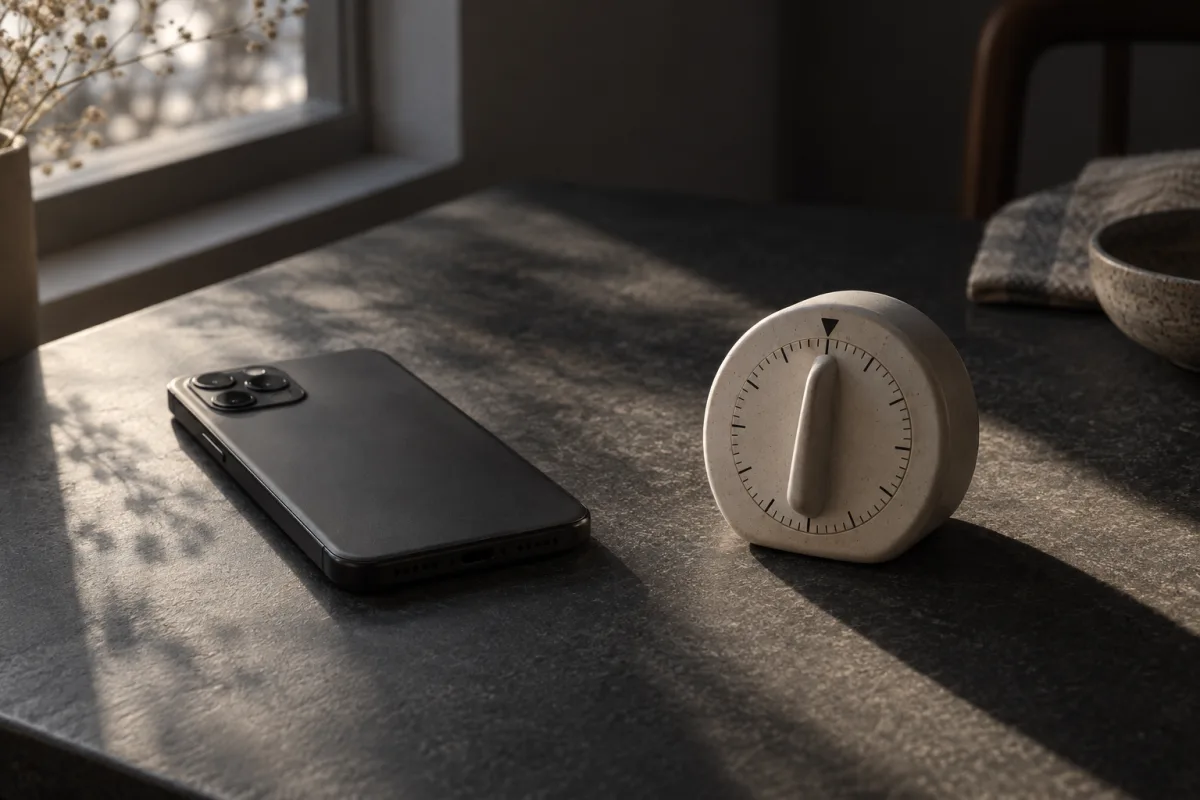
Put it in your bag or on a nearby shelf before the break begins. Leave important calls audible if you need them.
Want a reminder to return? Use a clock or kitchen timer. If you use your phone’s timer, set it and put the phone down.
2. Choose one easy thing
- Rest: sit comfortably and look away from the screen.
- Move: take a short walk or stretch in a way that suits you.
- Refresh: get water or make a cup of tea.
Pick whichever feels useful. You do not need to fill every minute, finish a chore, or make the break productive.
3. Leave an easy way back

Before stepping away, write the next small action: “Read the next paragraph” or “Draft the email’s first sentence.” When the break ends, start there.
If you open a feed anyway, close it when you notice. You can return without restarting the whole plan. For a bigger task, try our guide to studying without scrolling.
Why try a different kind of break?
In a 414-person experiment, participants taking a phone-based shopping break performed worse on the following anagram task than those taking paper or computer breaks. That specific lab task does not show that every phone break is harmful.
Try one alternative and notice how you feel afterwards. Need more choices? Browse things to do instead of scrolling.
Close the tab. Try this.
One small action.
Write your next work step, put your phone aside, and take a short break. Afterwards, ask: was it easier to return than after my usual feed session?
A break can be simple. Choose it before the feed chooses for you.
Sources & context
- Kang & Kurtzberg (2019) — Reach for your cell phone at your own risk: The cognitive costs of media choice for breaks ↗
A controlled experiment using anagrams and a shopping task. It did not test this three-step routine, outdoor walks or a five-minute threshold. These are practical suggestions, not a validated protocol.
Written by EvoCat, the app’s publisher. Educational guidance, not medical advice. Our editorial approach · Suggest a correction
Put a boundary into practice
Let a cat interrupt the habit.
EvoCat adds challenges before screen access, with a strict blocking option too.
Explore EvoCat for iPhone ↗