33 free lessons
Doomscrolling lessons.
Practical help for your screen time, sleep, and focus. Find one change you can try today.
Read the first lessonFind the lesson you need.
The screen-time guide →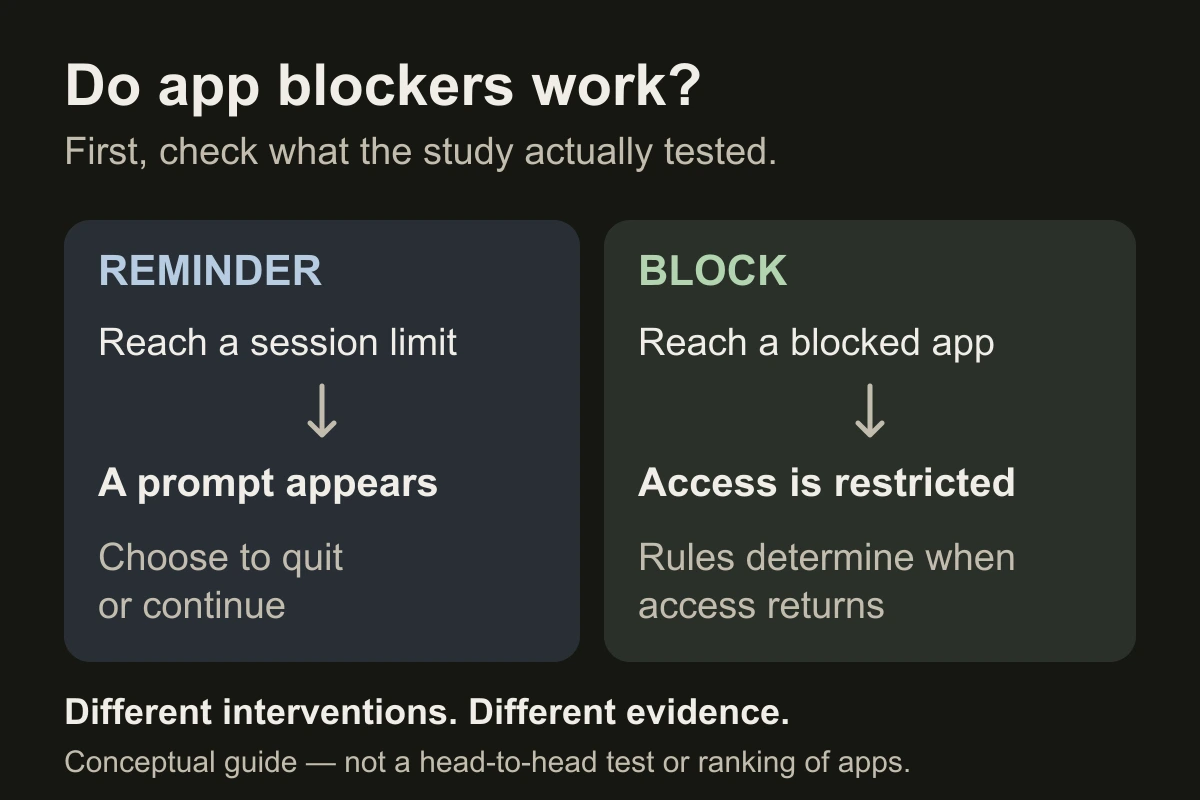
Do app blockers work? What the research shows
Separate reminders from restrictions, and test the change that matters to you.

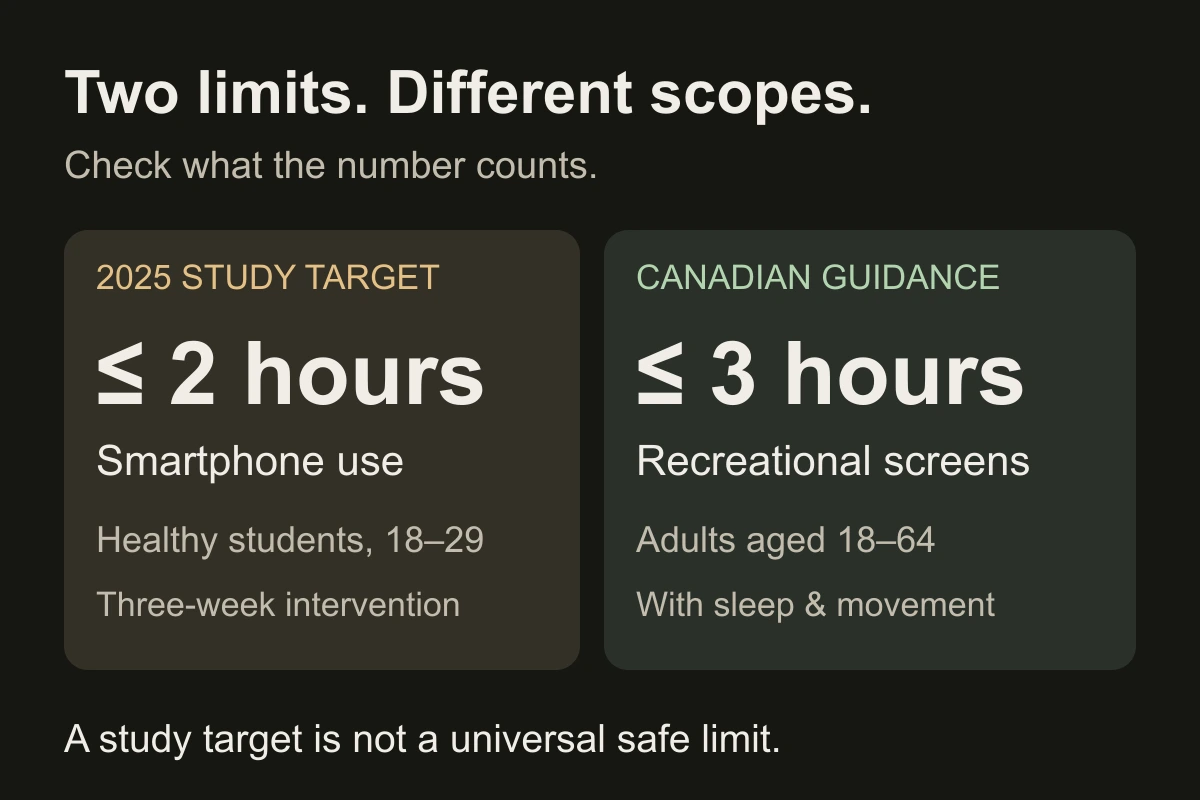
How much screen time is too much for adults?
Understand the numbers, then protect the part of your day that matters.
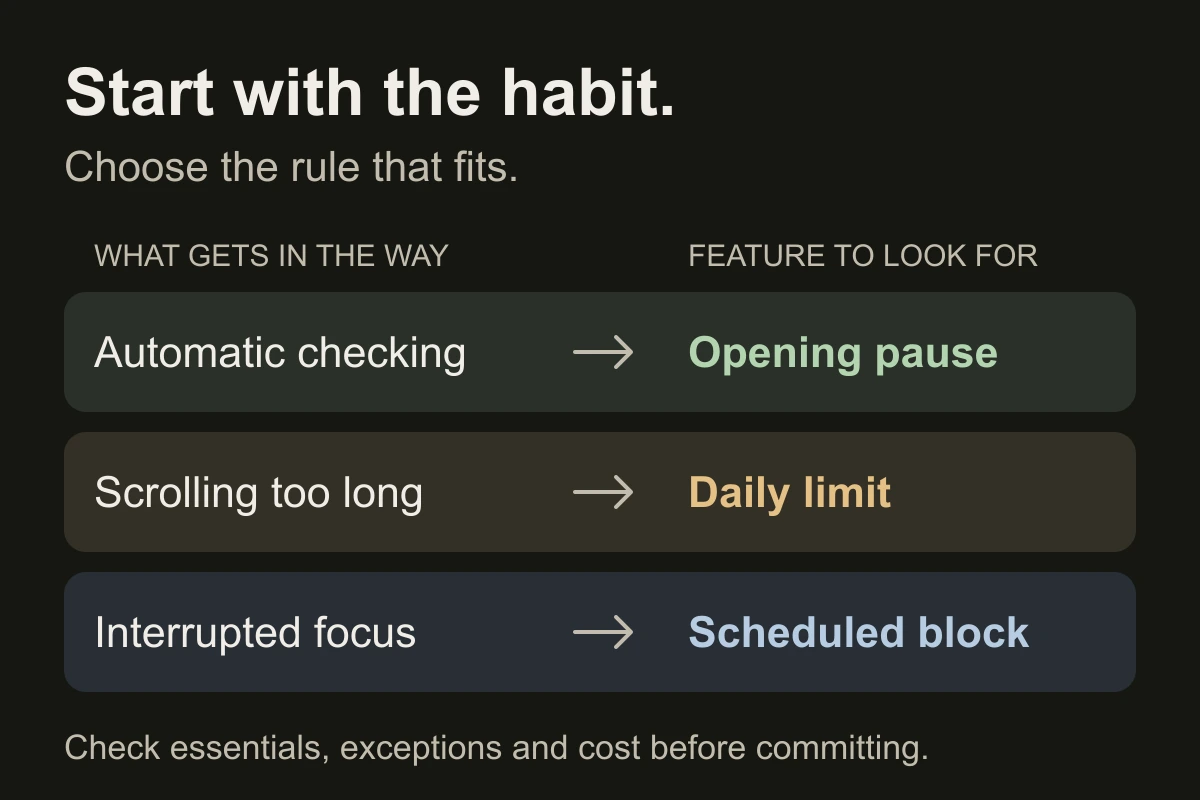
How to choose the best screen time app for you
Match the blocking method to your habit, then test it in your real week.
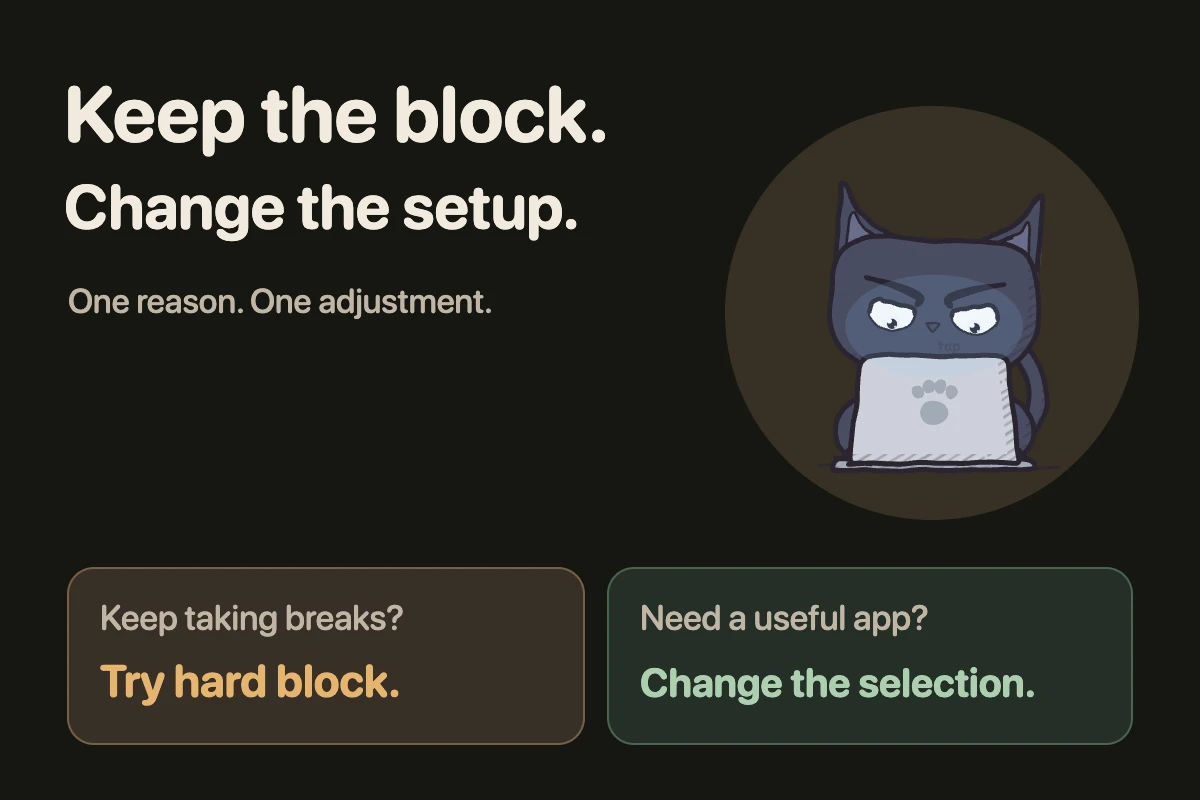
How to stop bypassing your app blocker on iPhone
Choose a rule you can keep when the urge to scroll arrives.
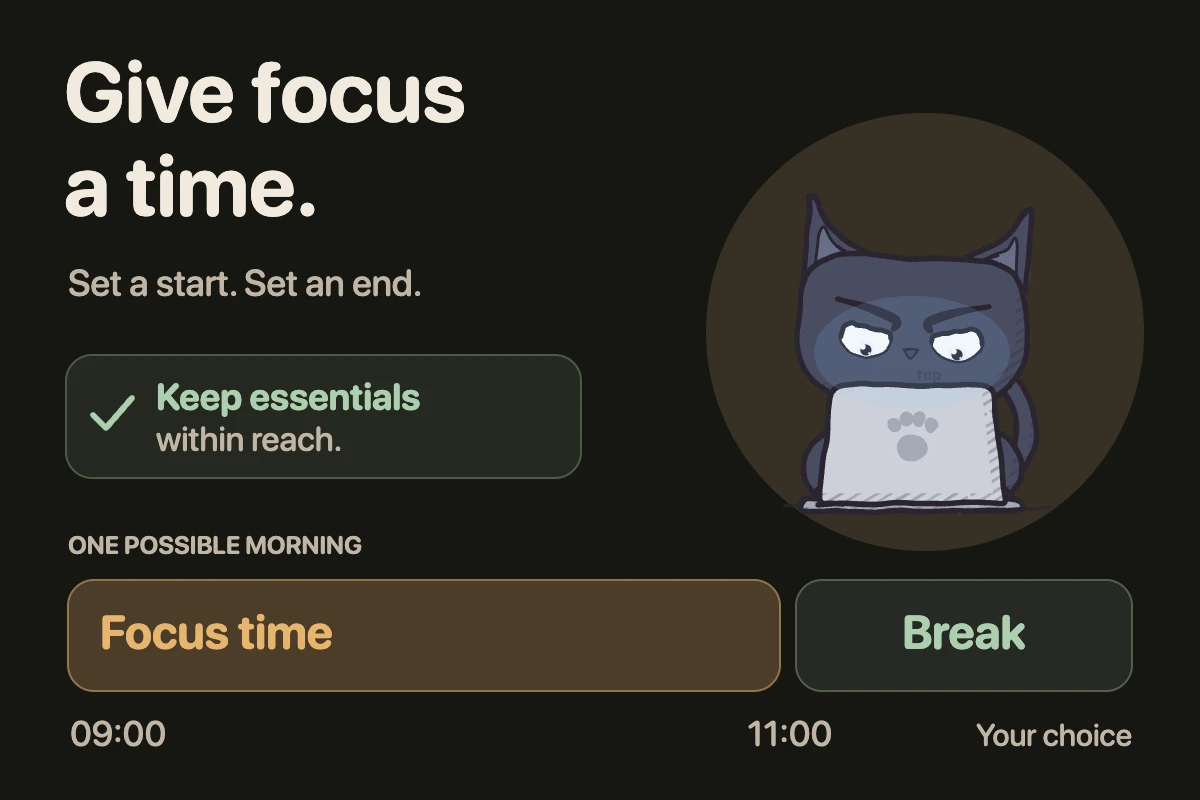
How to block apps at certain times on iPhone
Protect a time window and keep essential apps available.
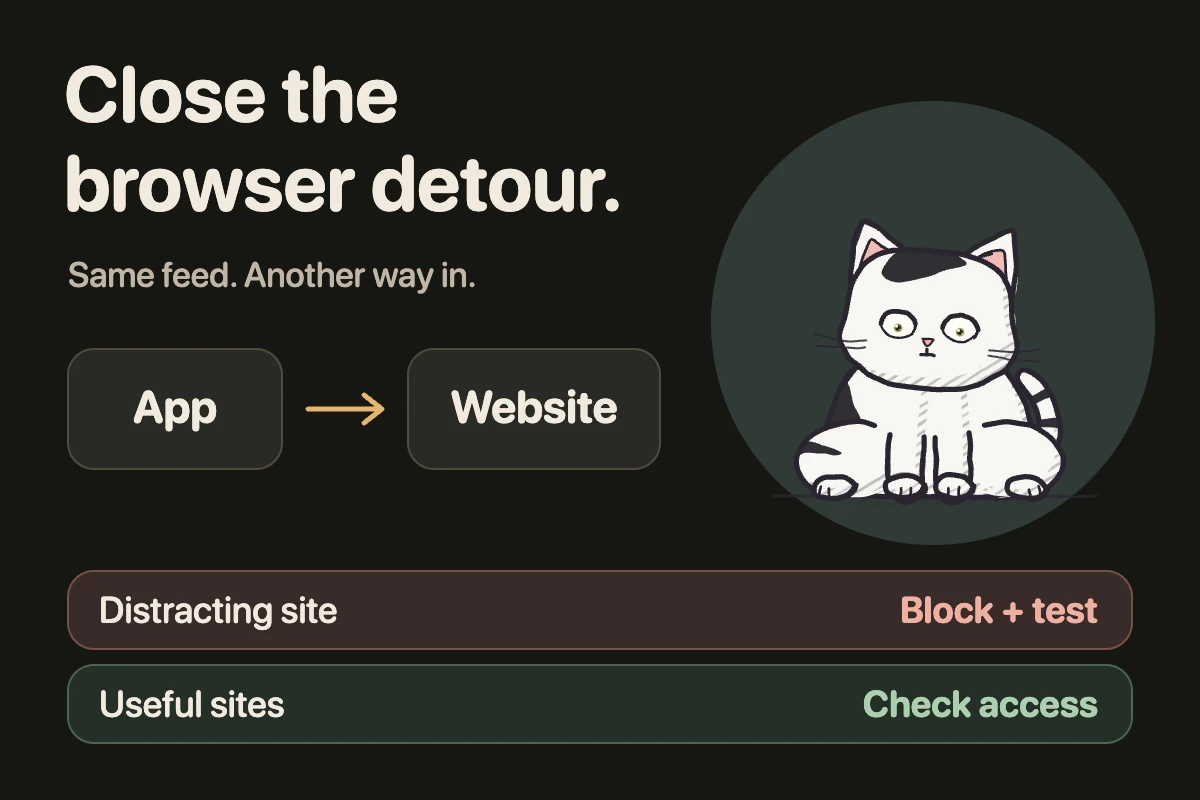
How to block websites on iPhone (iOS 26)
Close the browser detour after you block a distracting app.
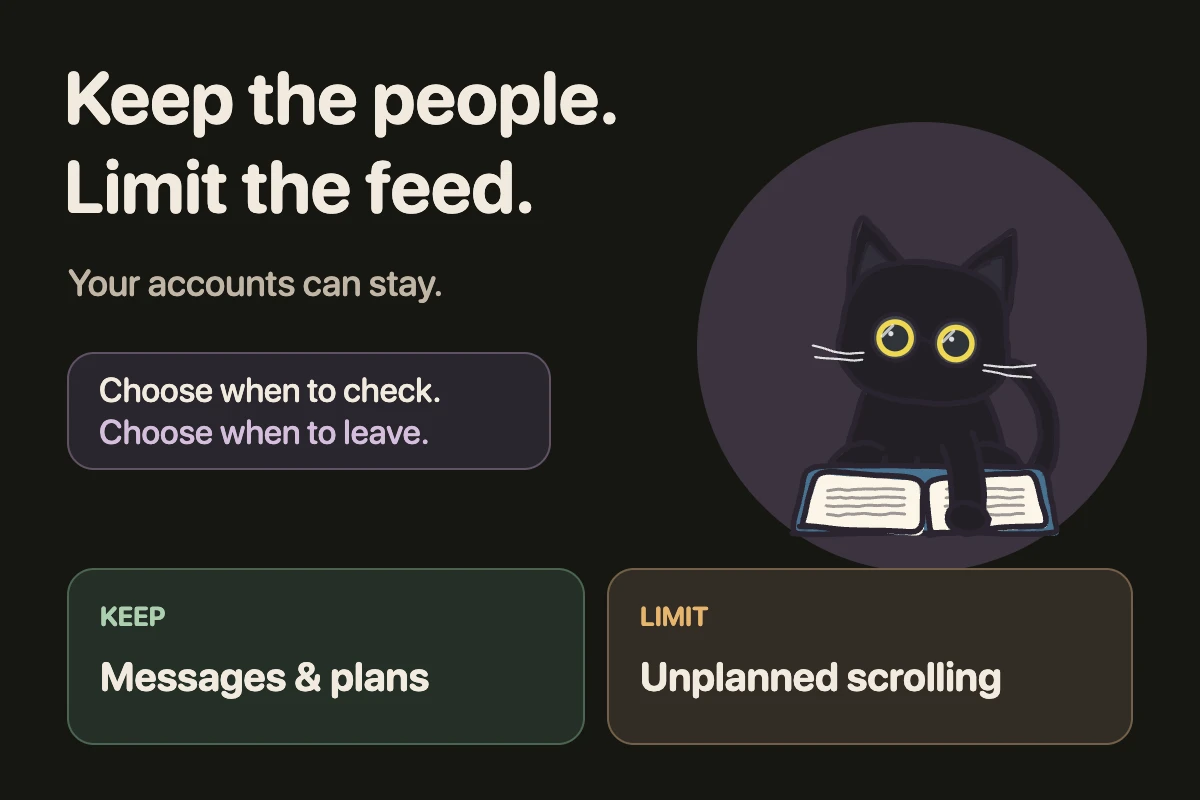
How to reduce social media use without deleting accounts
Keep the conversations. Give the feed a stopping point.
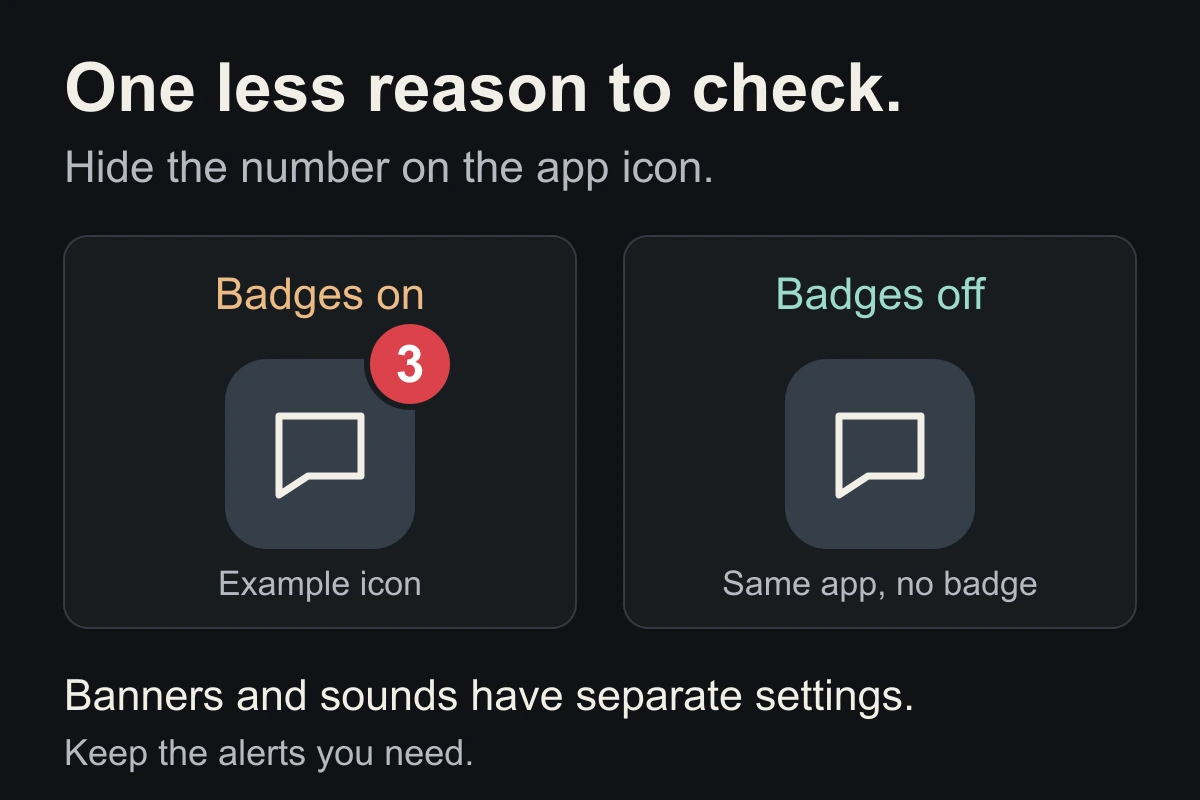
How to turn off notification badges on iPhone
Hide the red numbers without silencing every alert.
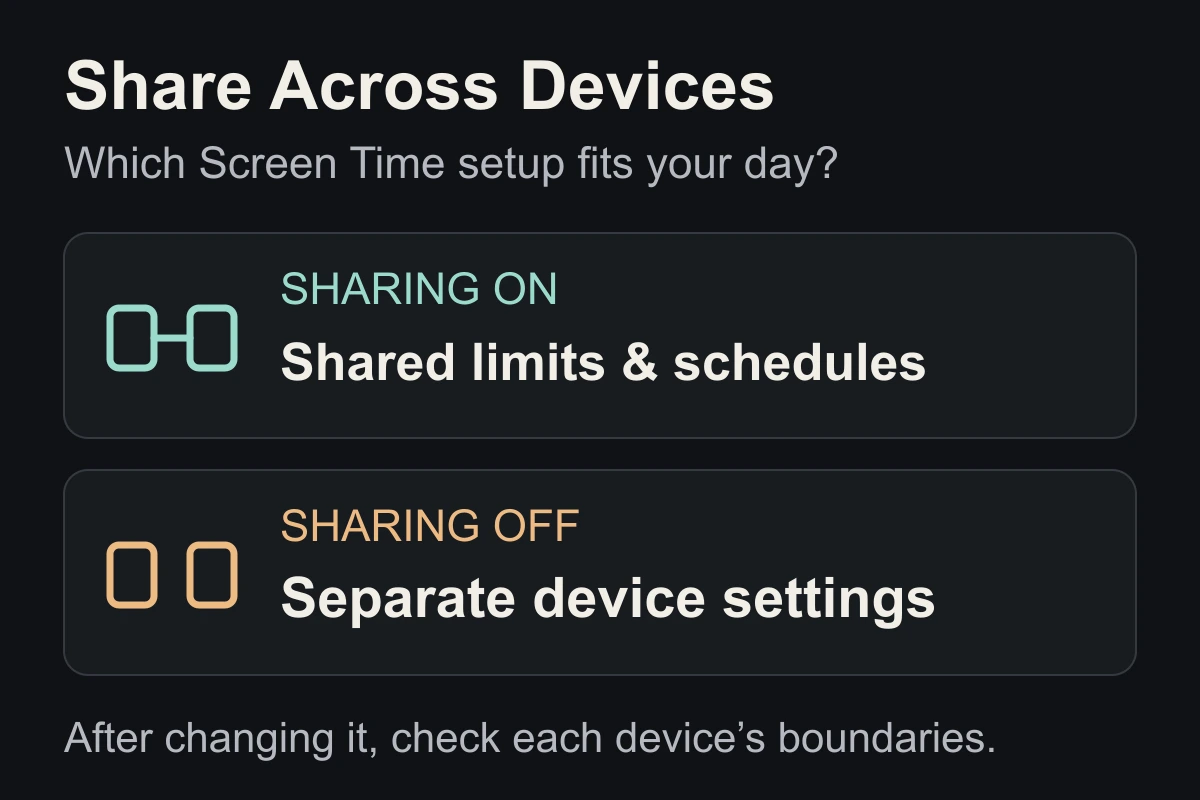
Screen Time Share Across Devices: on or off?
Shared limits or separate settings? Know what changes.
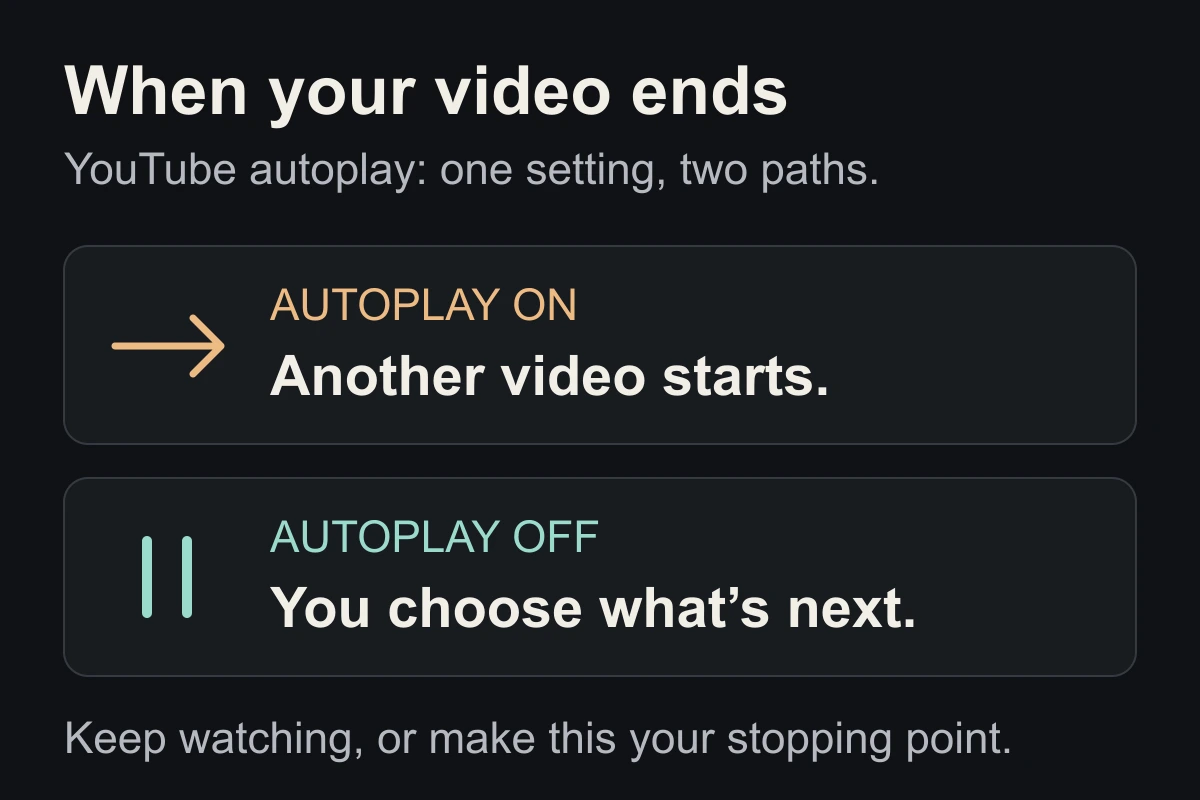
How to turn off YouTube autoplay
Let the end of a video be a place to stop.
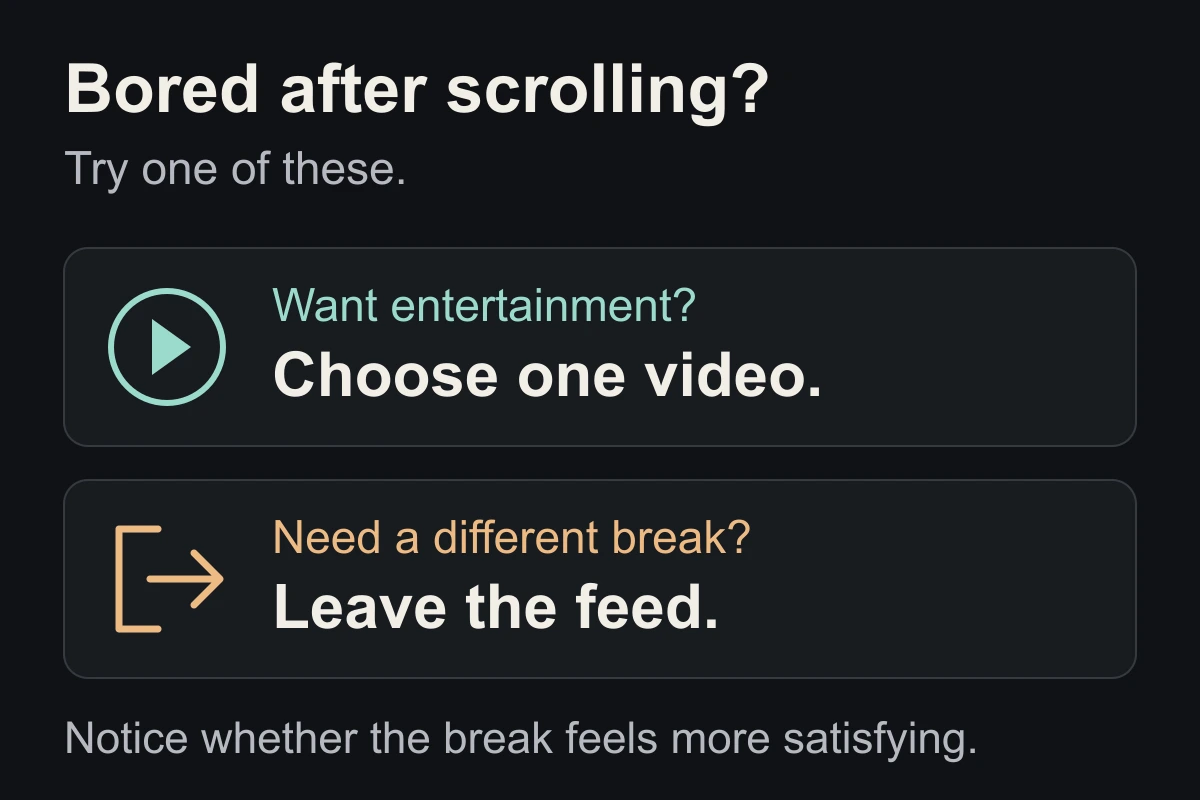
Bored after scrolling? Try a different kind of break
The next clip may not be the break you wanted.
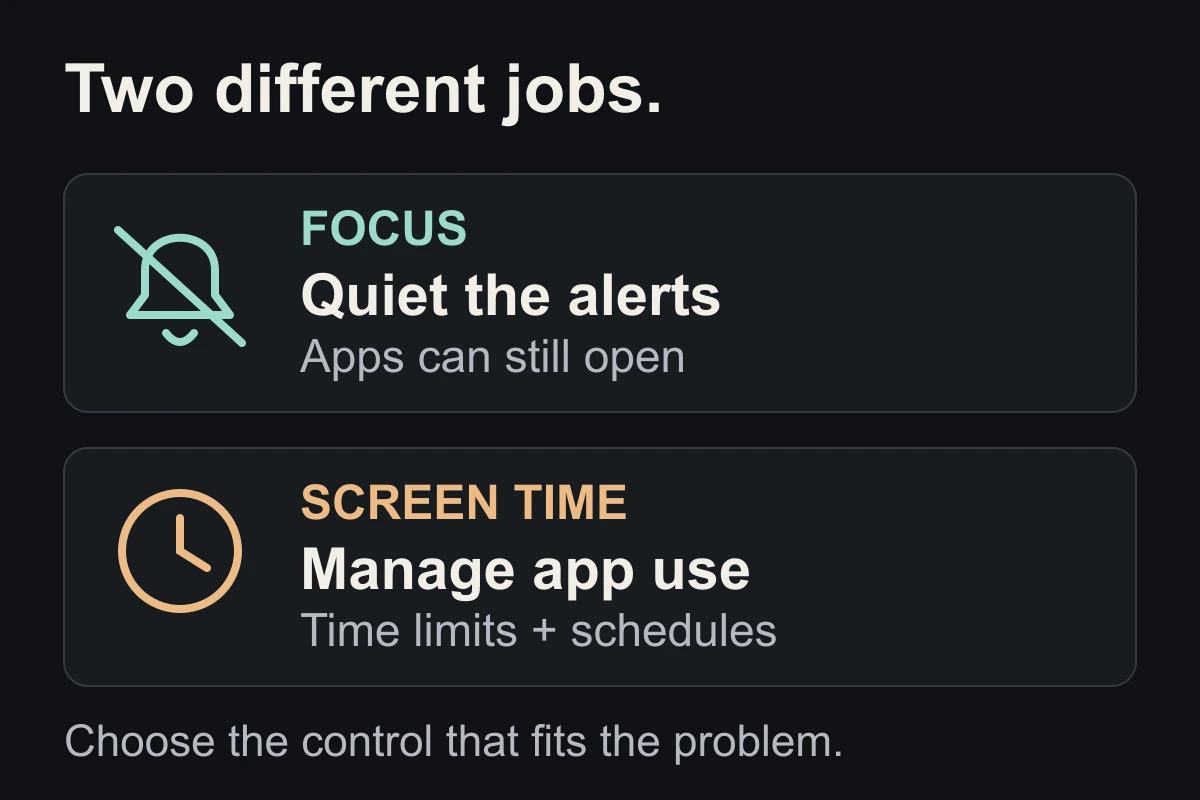
Focus mode vs. Screen Time on iPhone: which do you need?
Quiet the alerts or limit the app? Choose the right control.
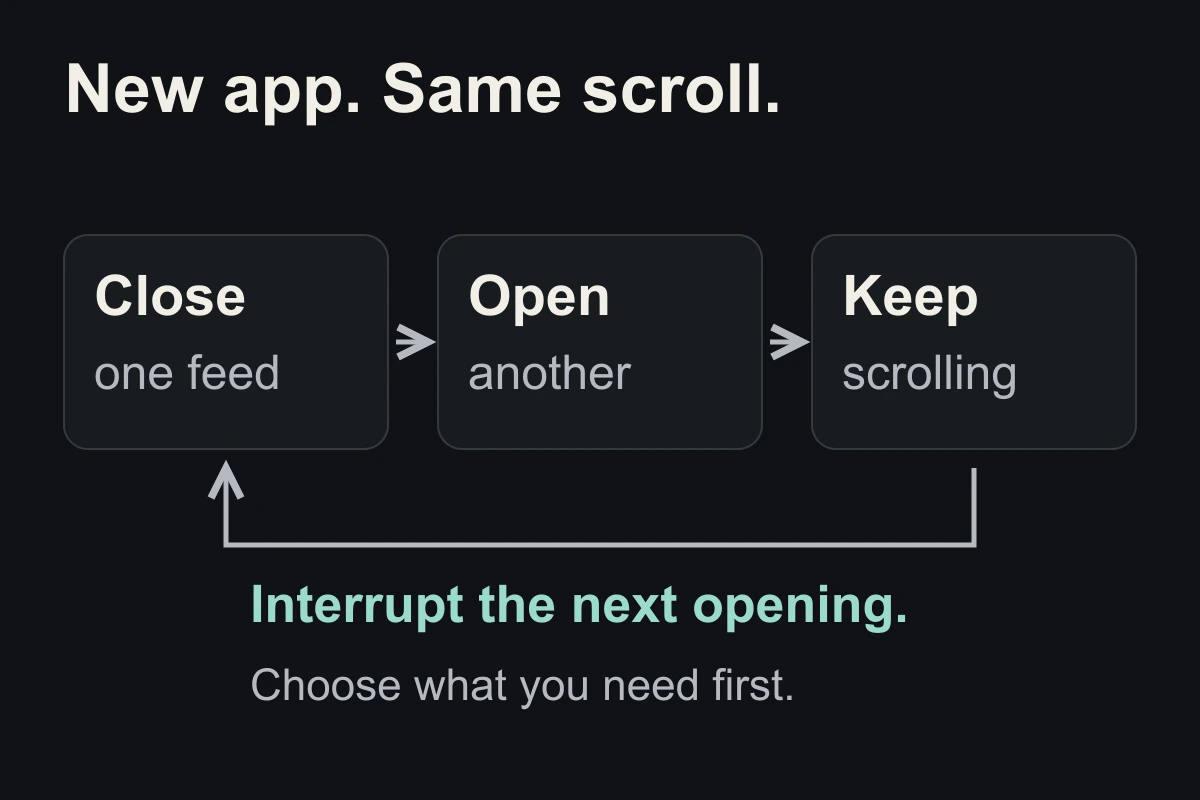
How to stop switching from one social media app to another
Closing one feed is a start. Plan what happens next.
Set up your iPhone Home Screen for less scrolling
Keep useful apps close. Move the feed out of the way.
How to take a break without scrolling: three simple steps
Leave the feed closed. Give your next break a different shape.
Does grayscale reduce screen time? Try it on your iPhone
Make your phone less colourful, then check whether it helps.

How to stop scrolling during meals, alone or with others
Give one meal a beginning and an end without a feed.
How to stop doomscrolling the news without tuning out
Get the update you need without spending the evening refreshing.
How to stop scrolling Reels, Shorts and TikTok
Keep the videos you choose. Put an end to the next-swipe session.
How to check screen time on your iPhone
Read the report. Find the time you want back.
App Limits vs Downtime: which should you use?
Choose a daily budget or a protected time window.
Screen Time limits not working? Check these first.
Find the setting or moment that needs to change.
Turn off distracting notifications without missing what matters
Keep essential alerts. Quiet the invitations to browse.
How to set a screen-time goal you can keep
Protect one part of your day, then build from there.
How to stop checking your phone first thing in the morning
Prepare a first action before the feed gets a say.
How to stop doomscrolling: start with one moment
Catch the scroll before it catches you.
Why doomscrolling is hard to stop
What are you actually looking for?
How to stop doomscrolling before bed
Get your phone out of your bedtime.
How to reduce screen time on iPhone without blocking everything
Make the distracting apps harder to open.
What to do instead of scrolling when you are tired or bored
Find a replacement you will actually want.
How to stop scrolling while studying or working
Protect the first ten minutes of focus.
What to do after you have spent hours scrolling
You can stop in the middle of a bad evening.
A seven-day plan to reduce doomscrolling
One week. One small change at a time.
No matching lessons.
Try “bed”, “iPhone” or “notifications”, or show the full library.
One useful change at a time.
Every lesson has an action to try and links to its sources. Research findings, personal experience, and our own suggestions are clearly distinguished.
How we write our lessons ↗