Decide what you actually need from the phone
List your first-morning essentials: the alarm, a message from someone you care for, transport information, or a work call. Then name the detour you want to avoid. The aim is to keep that detour from swallowing the next activity.
If you are on call or use your phone for accessibility or health needs, build around that. “Never touch my phone in the morning” may be the wrong rule. “Check the needed message, then put it down before opening a feed” is more specific.
Prepare tonight, while the decision is easy
Choose a safe charging spot that does not put the feed directly under your hand. If you move the alarm, test that you can hear and reach it. A separate alarm can be useful if you already have one; buying something is not a requirement.
Set out the first real-world action: clothes for getting dressed, a breakfast bowl, or a notebook with one task written down. Pick something you already need to do. You are making the first few minutes easier, not designing a new ideal life before breakfast.
Give the feed a clear opening time
Try an everyday boundary such as “after I have eaten” or “after I have left the house.” Choose a moment that fits your routine. If you need a specific app before then, name it in advance and finish its task before returning the phone to its place.
You can use notification controls or Focus to reduce morning prompts, with essential people and apps allowed. Focus does not block access to feeds. If you need an access boundary, read the schedule and app-limit guide.
Measure the start of the day
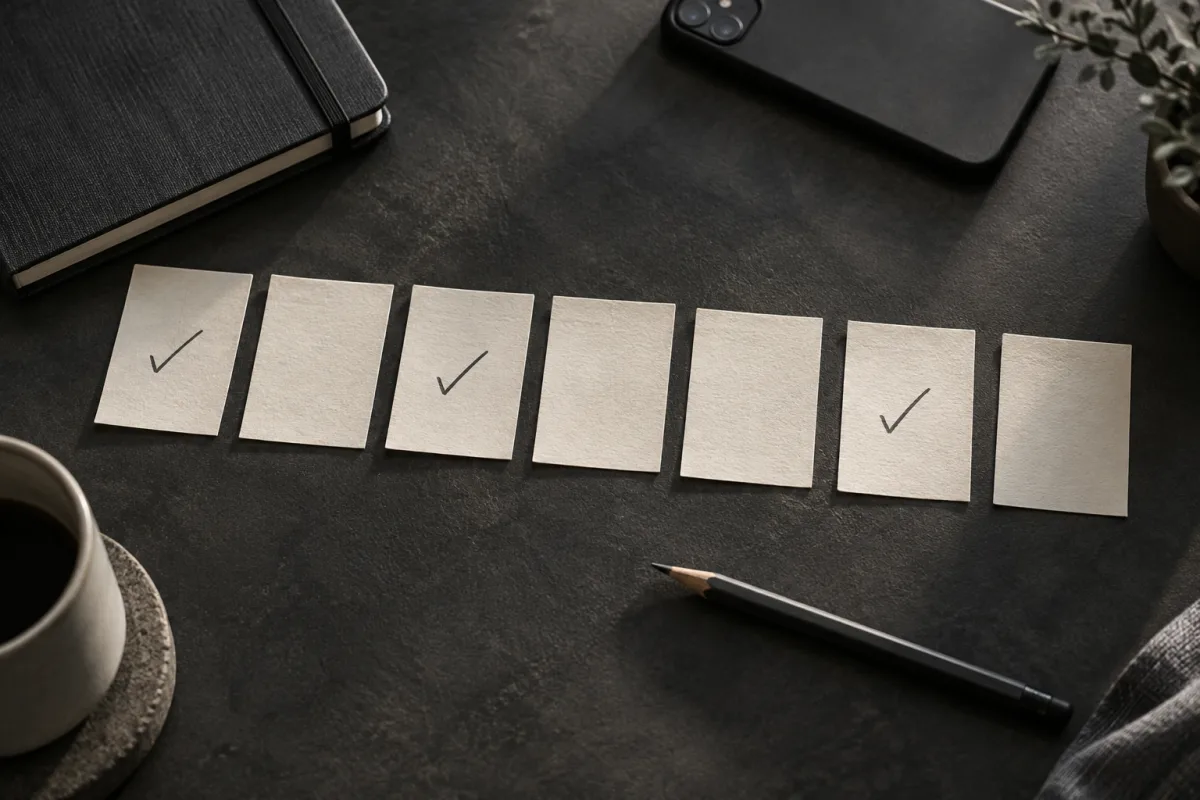
For three mornings, note when your intended first activity began and whether a feed delayed it. Do not turn the first slip into a ruined day. If you notice yourself scrolling, close the app and begin the prepared action at that moment.
If the routine only works on weekends, adjust the weekday version. If you keep opening the phone to check the time, put a clock where you can see it. These are practical experiments; there is no special dopamine reset from keeping the first hour screen-free.
Close the tab. Try this.
One small action.
Before bed, write tomorrow’s first action and when you will allow a feed check. Prepare the alarm and essential contacts. Try the plan for one morning before making it bigger.
Give the morning one starting action that is already ready.
Sources & context
- Apple: Set up a Focus on iPhone ↗
Apple documents Focus and notification exceptions. The morning routine is an editorial experiment, not a scientifically established screen-free interval.
Written by EvoCat, the app’s publisher. Educational guidance, not medical advice. Our editorial approach · Suggest a correction
Put a boundary into practice
Let a cat interrupt the habit.
EvoCat adds challenges before screen access, with a strict blocking option too.
Explore EvoCat for iPhone ↗