More clips can mean more boredom
In a 2024 research paper, experiments found that switching between videos or skipping within them could increase boredom compared with watching without switching. Results were less conclusive for online articles and participants outside university samples.
This does not mean every swipe is harmful. It suggests that searching faster is not always the answer when entertainment feels flat.
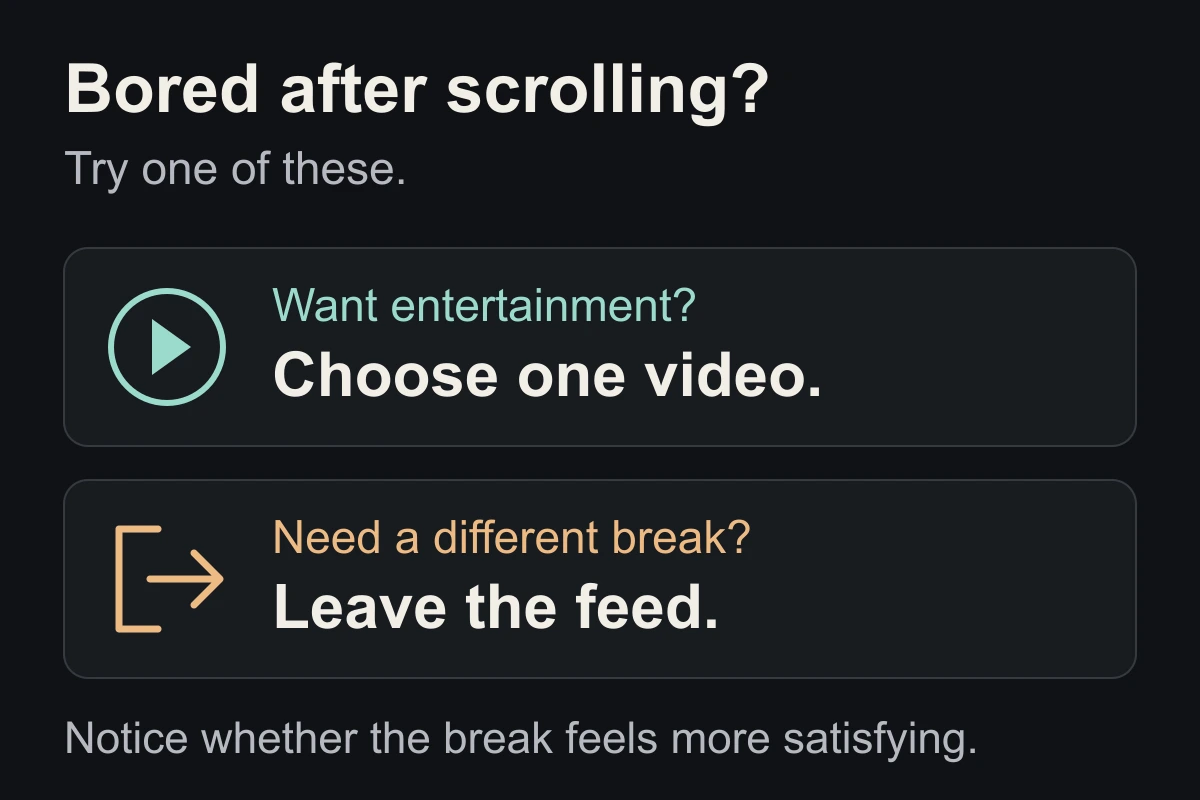
Option 1: Choose something to watch
If you want entertainment, pick one short video you actually want to see. Give it a chance without immediately hunting for the next highlight.
You can stop if it is unpleasant or uninteresting. This is an experiment in choosing, not an obligation to finish. At the end, decide whether you are done before another video starts.
Option 2: Change the kind of break
If watching feels like more work, leave the feed. Choose one easy thing:
- Get a drink and sit somewhere else.
- Listen to one song without browsing.
- Step outside or look out of a window.
You do not have to make the time productive. For a simple routine, try our three-step break guide.
Check satisfaction, not just minutes
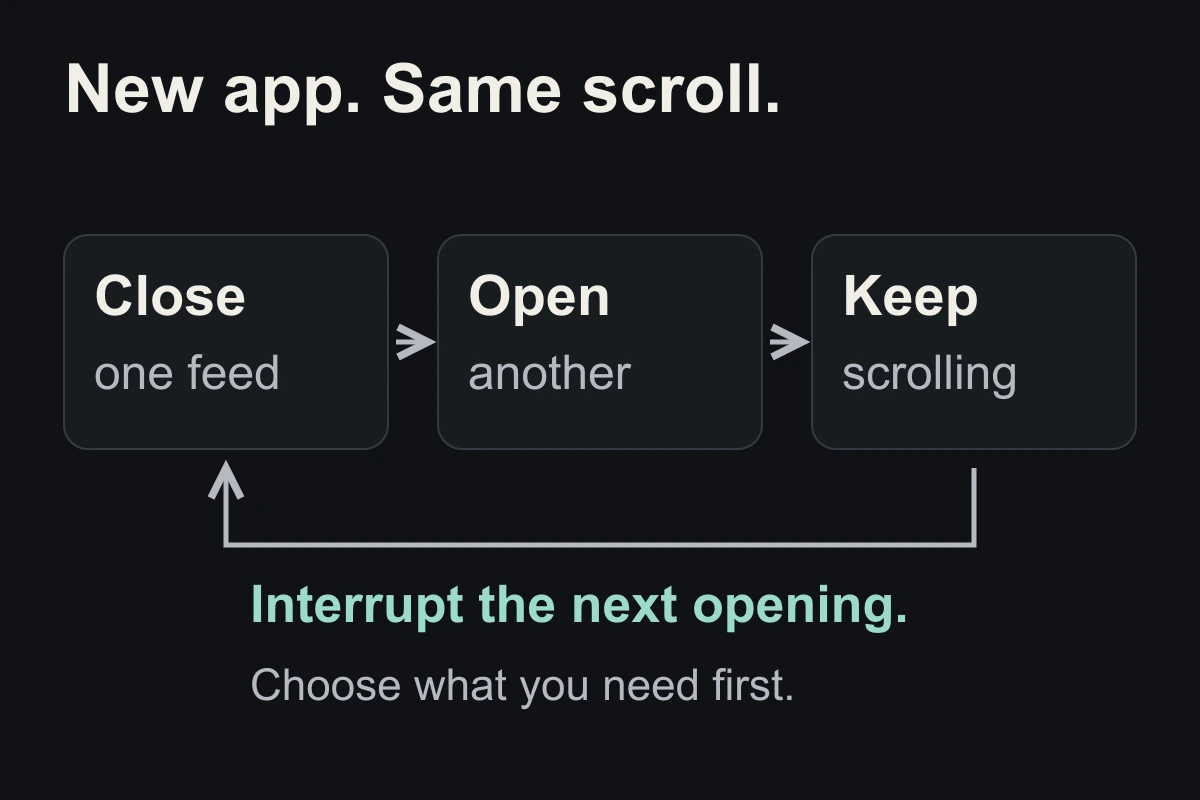
Afterwards, ask: “Was that the break I wanted?” Keep the option that felt useful. If you just moved to another feed, use an if–then plan for app switching.
These are practical suggestions, not the study’s protocol or a guaranteed way to remove boredom.
Close the tab. Try this.
One small action.
At your next bored swipe, choose one intentional video or leave the feed for a different break. Afterwards, notice whether you feel more satisfied than before.
You can change the break instead of searching endlessly for a better clip.
Sources & context
- Tam & Inzlicht (2024) — Fast-forward to boredom: How switching behavior on digital media makes people more bored ↗
Seven experiments examined boredom and digital switching. Findings varied by medium and sample. The diagram shows editorial options to try, not measured outcomes.
Written by EvoCat, the app’s publisher. Educational guidance, not medical advice. Our editorial approach · Suggest a correction
Put a boundary into practice
Let a cat interrupt the habit.
EvoCat adds challenges before screen access, with a strict blocking option too.
Explore EvoCat for iPhone ↗