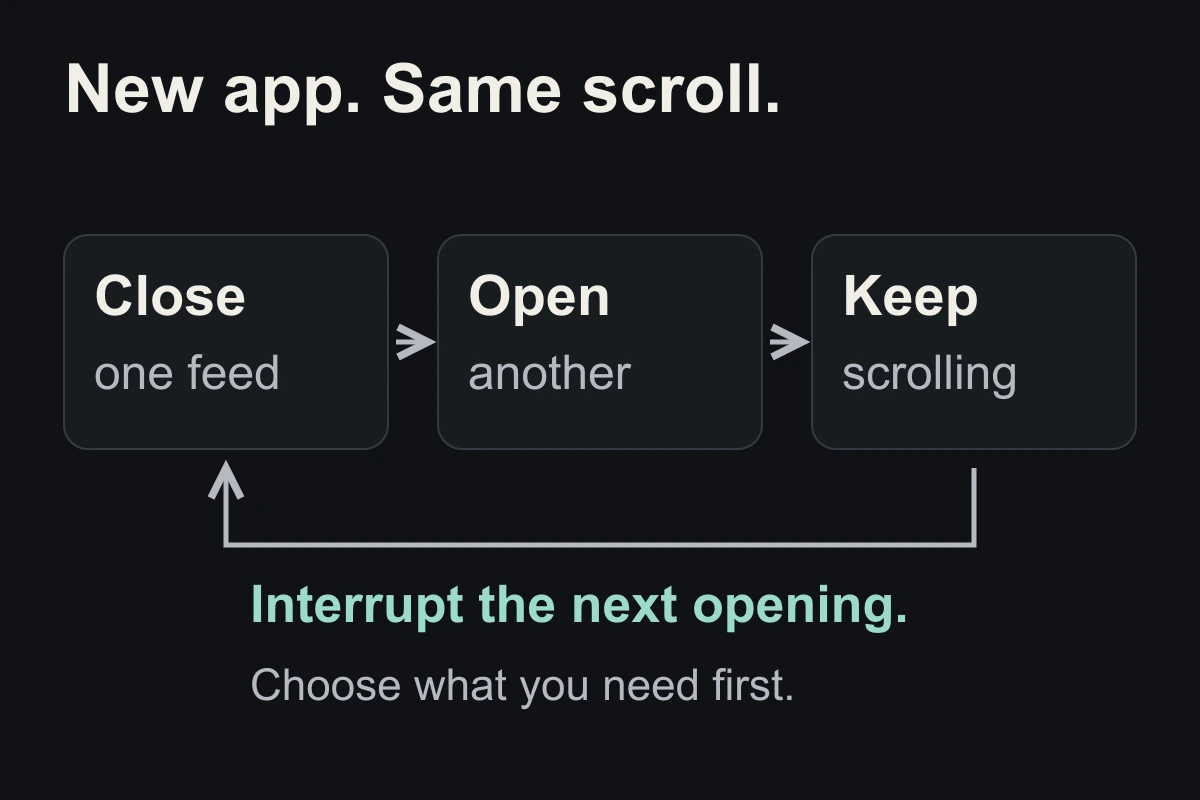
1. Notice the hand-off
Catch the moment between closing one feed and opening another. Name it: “I am looking for another scroll.”
If you are tracking progress, look at the feeds you switch between together. Less time in one app can hide more time in another. Your Screen Time report can help you spot that swap.
2. Match the action to the need
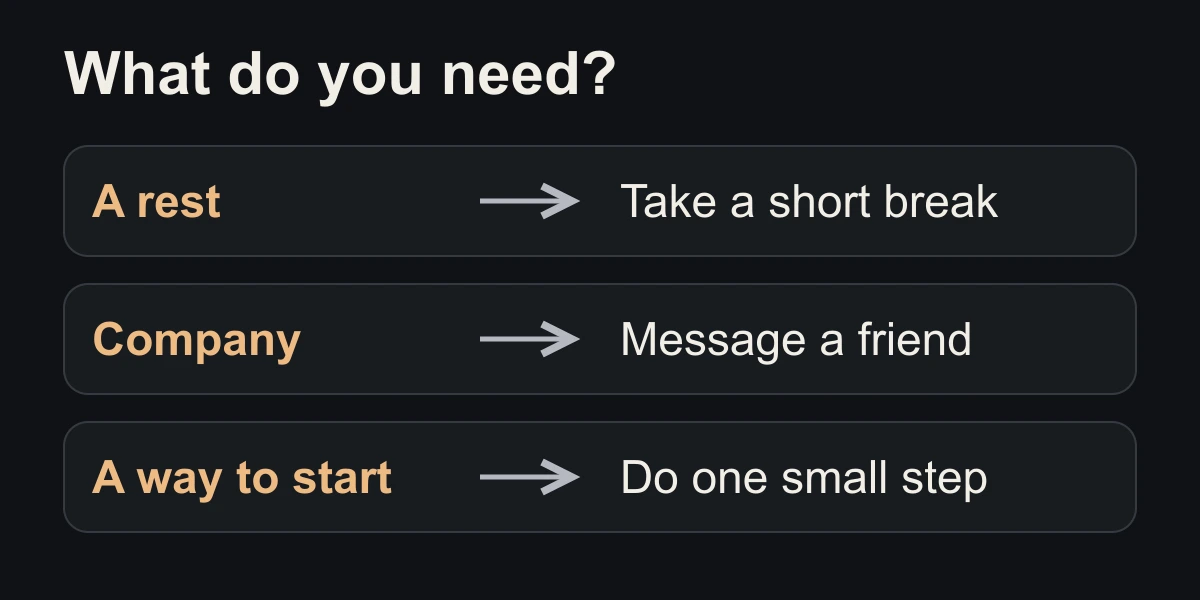
Ask what you wanted before opening the next app. Choose one response that fits:
- Rest: sit back or get a drink.
- Company: message someone directly.
- Starting a task: write its first sentence.
These are options, not rules. If you want entertainment, choose something with a clear ending.
3. Make one if–then plan
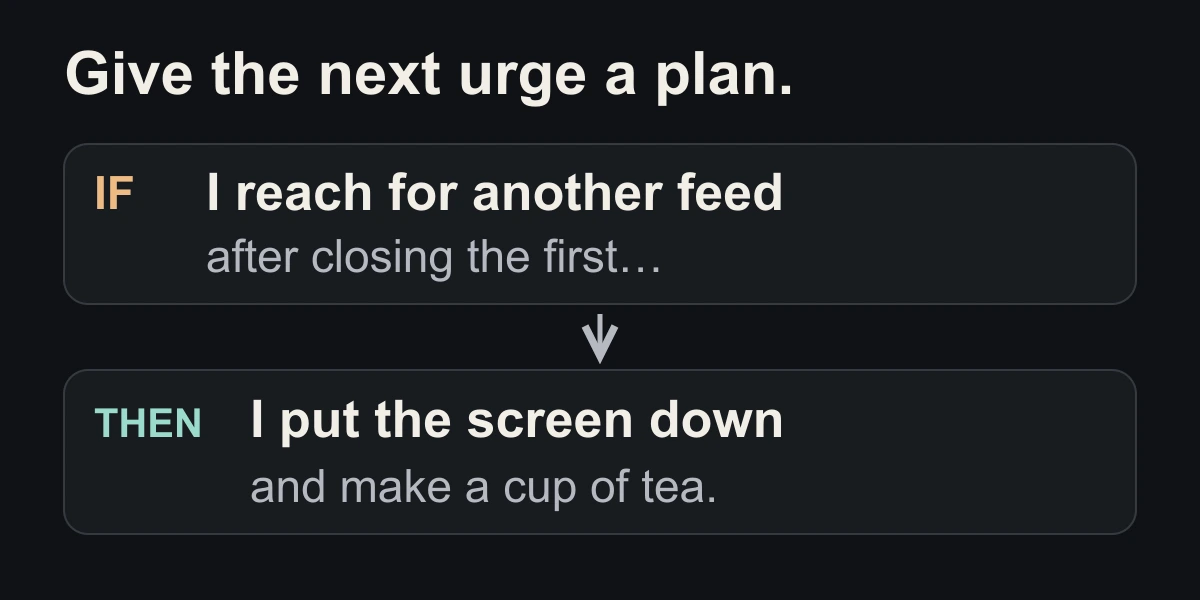
Use the example above or write your own: “If I reach for another feed, then I will ___.” Make the action small and ready to do.
A research review found that if–then plans can help people follow through on goals across different situations. It did not test this app-switching exercise, so treat it as something to try, not a guaranteed fix.
If you still want a break, take it. Our screen-free break guide gives you three easy steps.
Close the tab. Try this.
One small action.
Choose your most common app swap. Write one if–then sentence for the moment between those apps, and try it once today.
Give closing the feed somewhere to lead.
Sources & context
- Gollwitzer & Sheeran (2006) — Implementation intentions and goal achievement: a meta-analysis ↗
Research on planning across many goals. The diagrams and app-switching exercise are original editorial examples, not measured behaviour or study results.
Written by EvoCat, the app’s publisher. Educational guidance, not medical advice. Our editorial approach · Suggest a correction
Put a boundary into practice
Let a cat interrupt the habit.
EvoCat adds challenges before screen access, with a strict blocking option too.
Explore EvoCat for iPhone ↗