Keep one useful reason to open the app
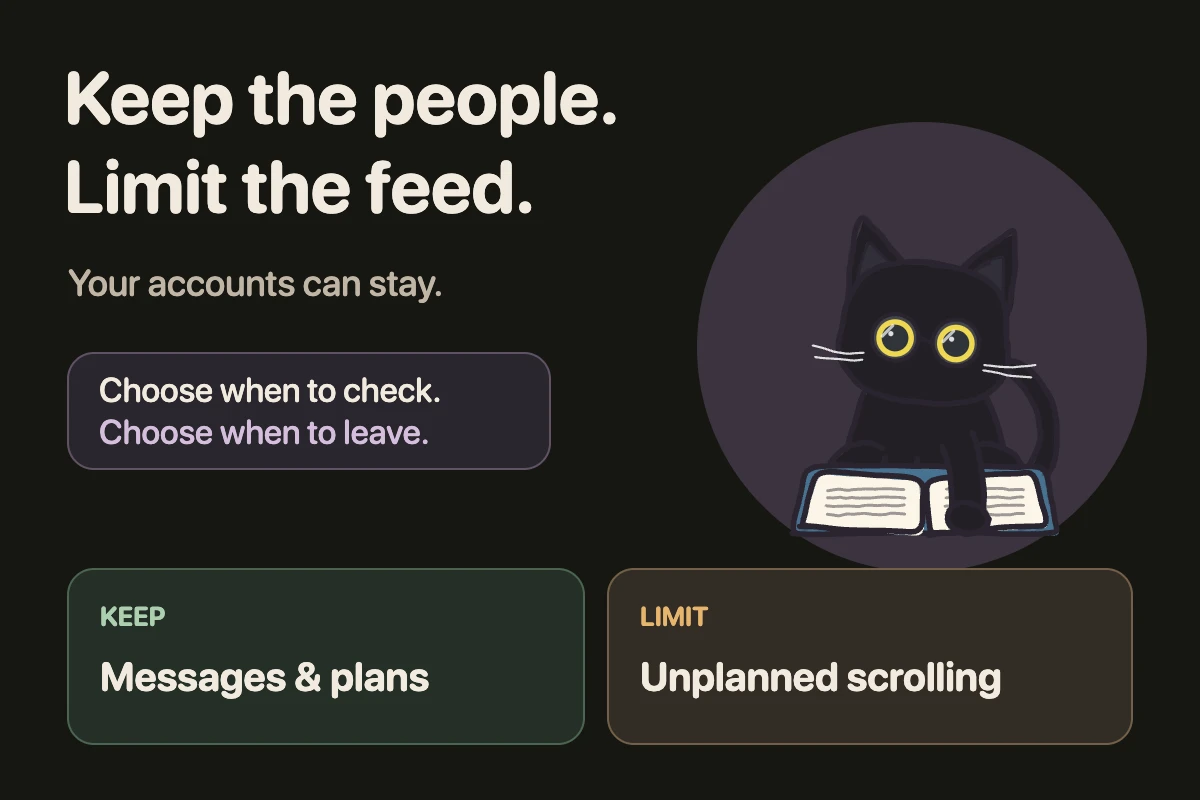
Write two short lists: keep and limit. For example: keep replying to friends and arranging weekend plans; limit browsing recommendations after those replies.
This is a rule for your behaviour, not a setting that separates messages from a feed. If both live inside one app, blocking that app can restrict both. Keep another contact route available when needed.
Choose a check-in and an exit
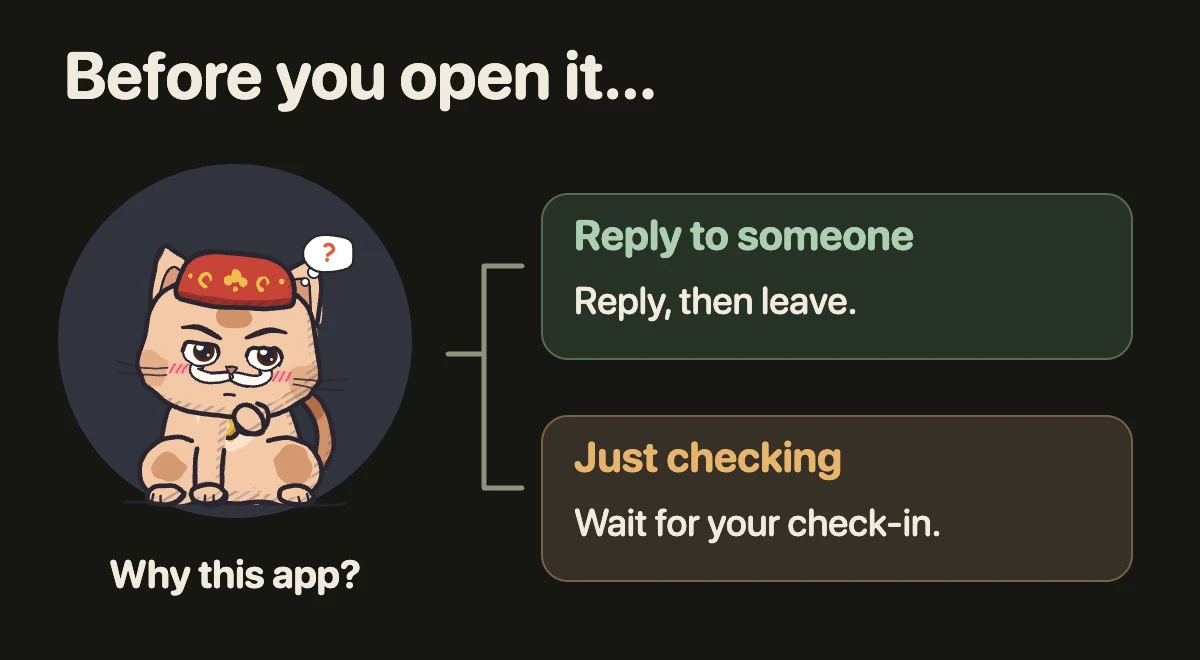
Pick a realistic moment, such as after lunch. Before opening the app, name the task: “Reply to Sam.” After finishing, close it.
If you open it without a task, wait for your planned check-in and choose a different kind of break. You do not have to postpone genuinely time-sensitive messages.
Make one unwanted opening less automatic
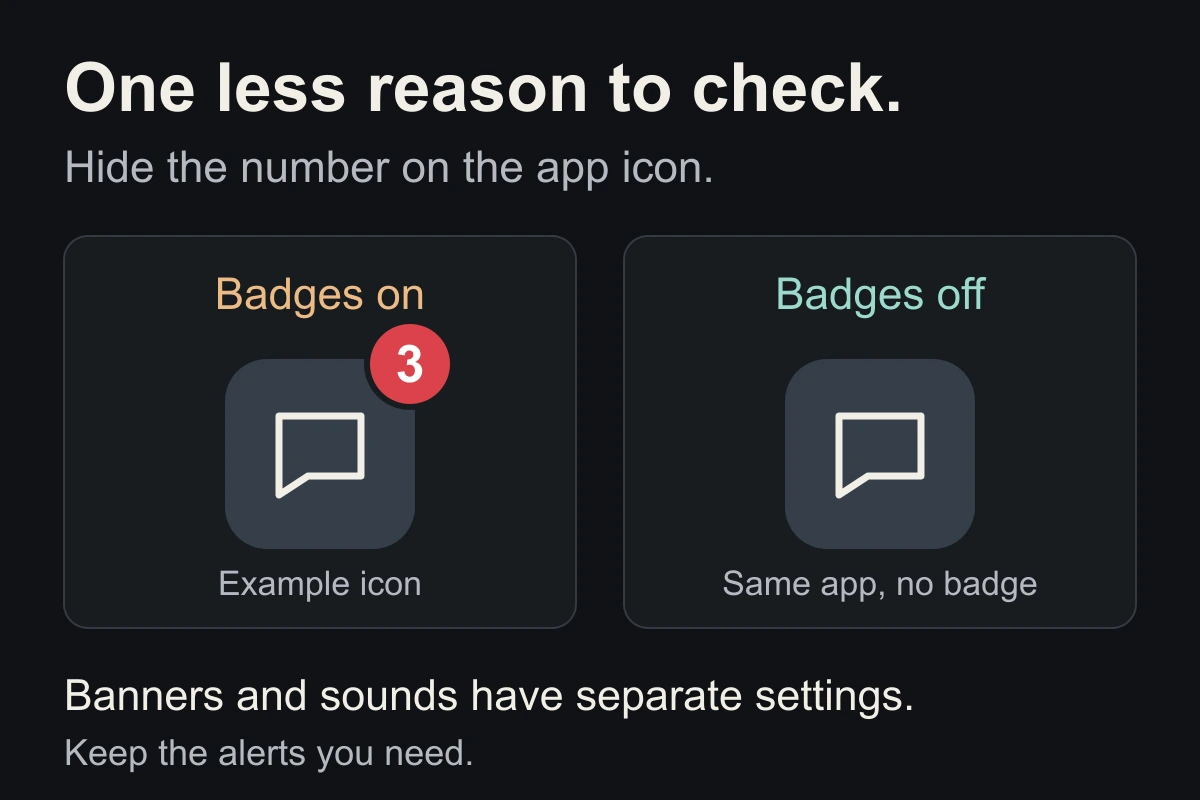
Try one change: hide the app’s notification badge, move its icon, or schedule a block during a task. Keep important notifications available.
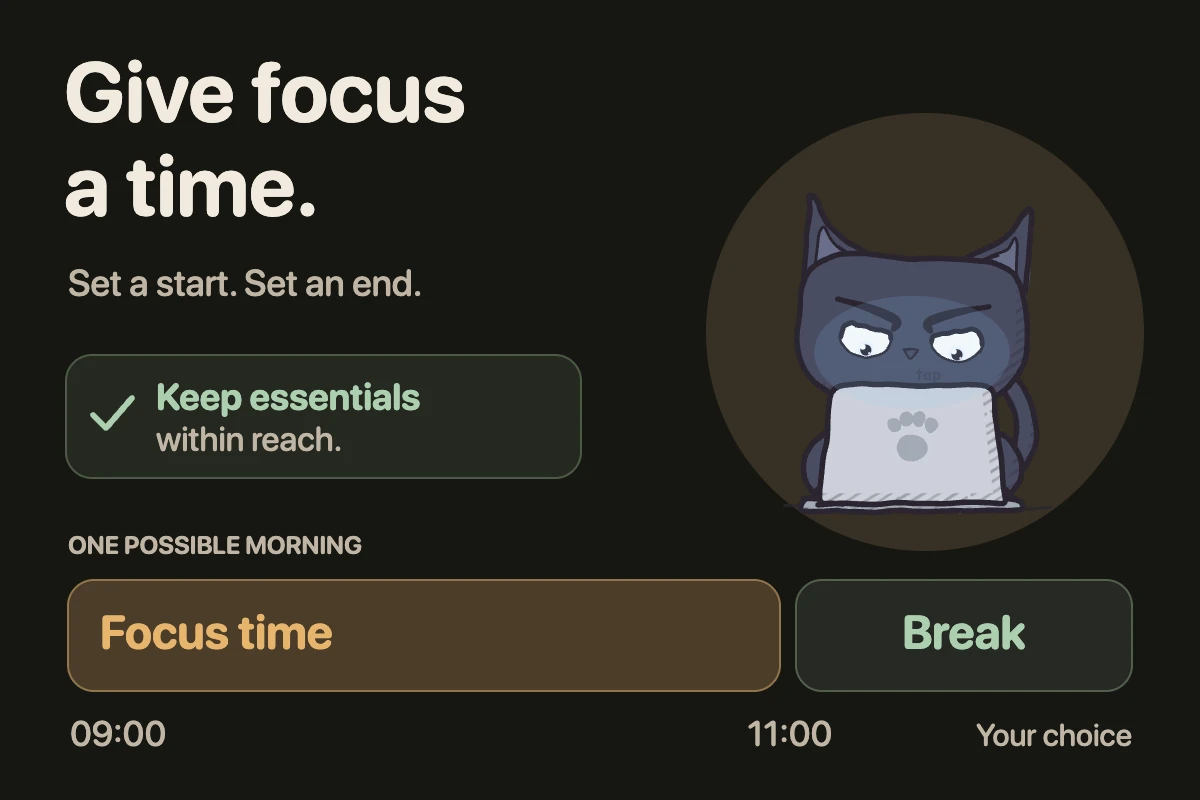
EvoCat can block selected apps during recurring focus time. It does not require deleting your social accounts. Choose a companion and a blocking method separately; blocking requires a subscription.
Do I need to quit social media completely?
Not as a first experiment. A 2018 randomized study assigned 143 undergraduates to usual use or 10 minutes daily on each of Facebook, Instagram and Snapchat for three weeks. The limited-use group reported greater reductions in loneliness and depression.
That study does not establish a universal 30-minute target, prove these exercises work, or test EvoCat. Keep the useful question smaller: did your chosen boundary help you do what you intended?
Close the tab. Try this.
One small action.
For three days, keep one planned social-media check-in and one period without the feed. Note whether you kept useful contact and avoided the session you regretted.
Give useful contact a place in your day, and give scrolling an ending.
Sources & context
- Hunt et al. (2018) — No More FOMO ↗
Original randomized study; publisher abstract reviewed. A single university sample and a three-week intervention cannot establish the best limit for every person. The check-in exercise and illustrations are our own suggestions, not the study protocol or evidence for EvoCat.
Written by EvoCat, the app’s publisher. Educational guidance, not medical advice. Our editorial approach · Suggest a correction
Put a boundary into practice
Keep your accounts. Protect your focus.
Set recurring blocks for distracting apps in EvoCat, then choose a cat to keep you company. Your blocking method stays your choice. App blocking requires a subscription.
Download EvoCat for iPhone ↗