How do I set the Shorts feed limit to zero?
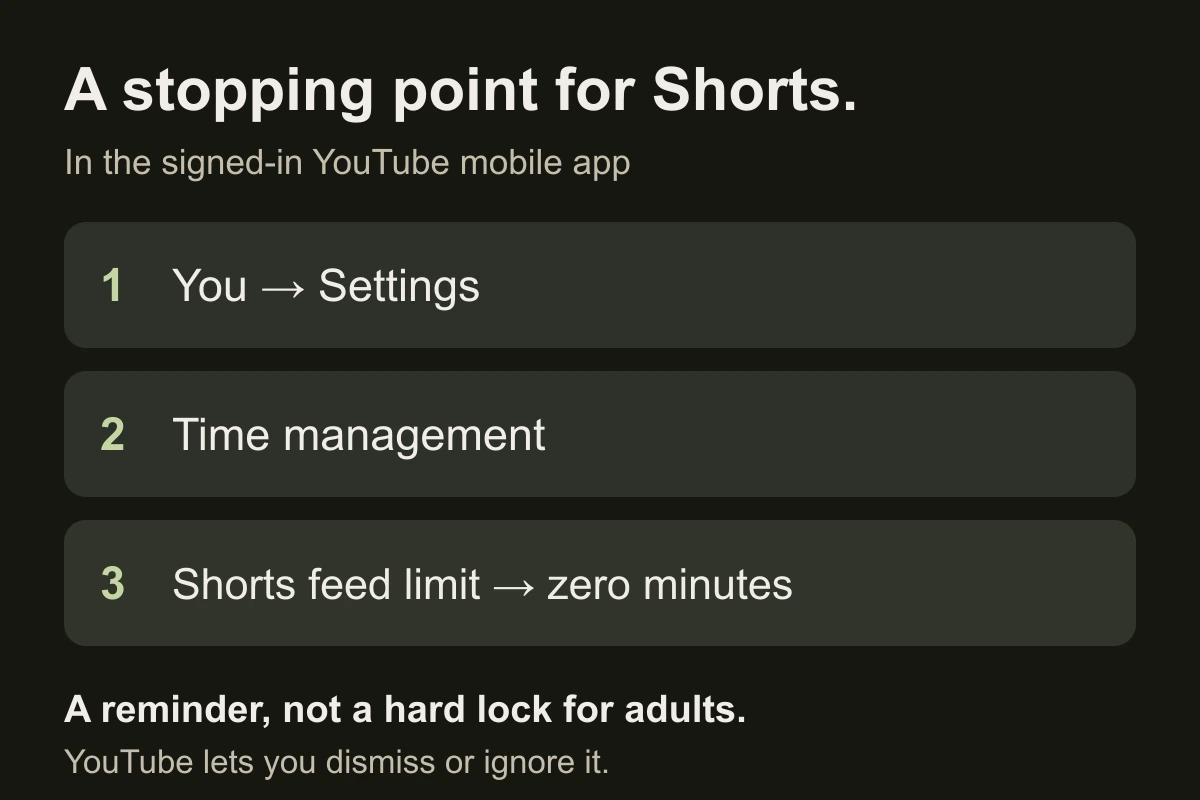
- Sign in to the YouTube app on your iPhone.
- Open You → Settings → Time management.
- Choose Shorts feed limit and select zero minutes.
These are YouTube’s current documented options. If your menu differs, compare it with the official help page; do not assume an older screenshot matches your account.
Is zero minutes a hard block?
No—not for an adult’s self-set limit. YouTube says the reminder can be dismissed or ignored. Test what happens when you open Shorts and whether you override it automatically.
Parent-managed supervised accounts have different rules. Use the Family Center guide for that setup; do not apply its restrictions to an ordinary adult account.
Can I keep watching longer videos?
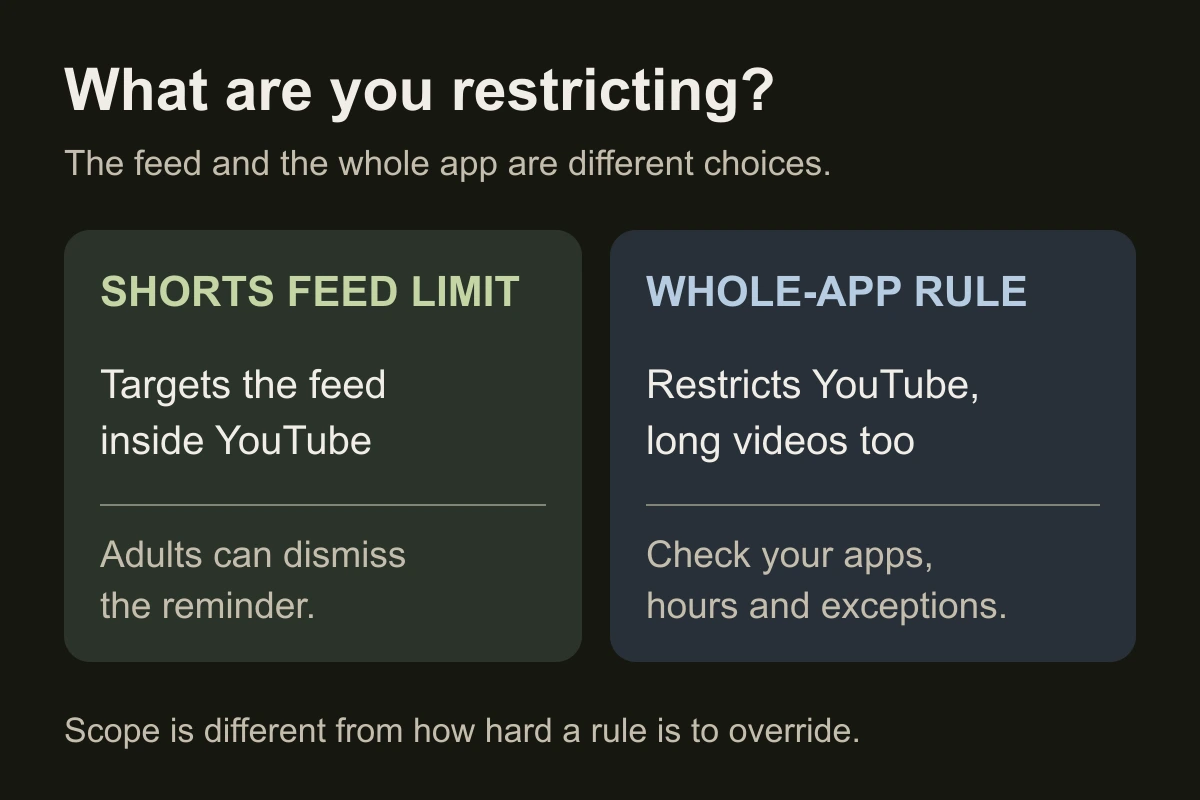
The setting targets the Shorts feed, rather than a time budget for the entire YouTube app. Test a longer video you intended to watch. Do not treat a mobile feed setting as proof that every shared Shorts link or browser route is blocked.
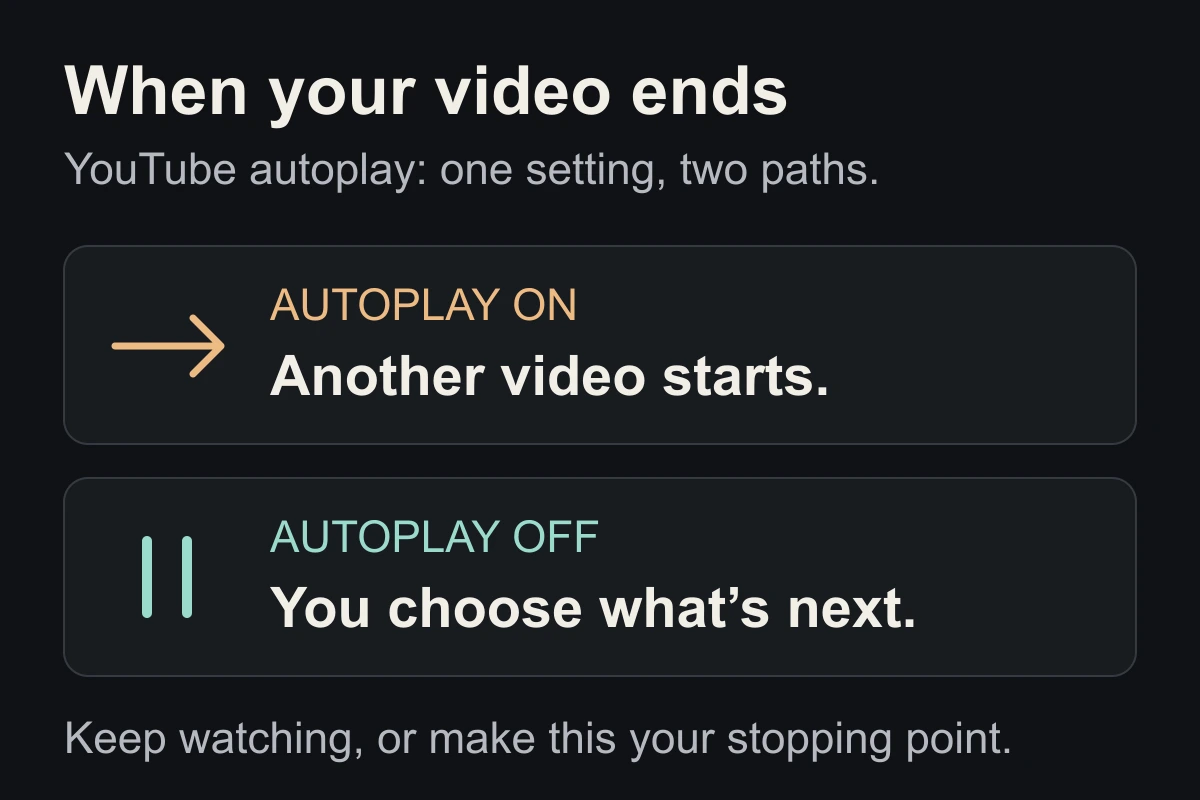
Turning off autoplay is separate: it controls the next video, not access to Shorts.
What if I keep ignoring the prompt?
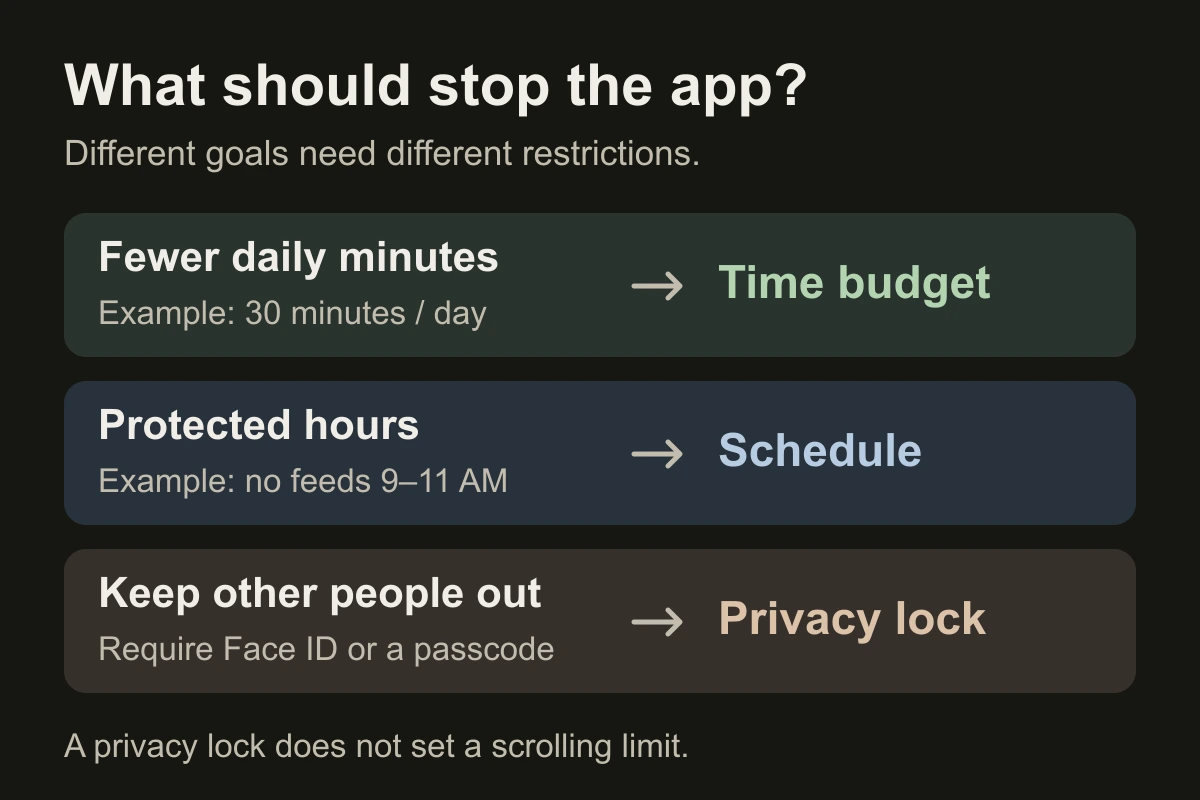
Choose an iPhone time limit or scheduled block for YouTube. This restricts the whole app, including useful long videos. If you also watch in Safari or Chrome, test the website separately.
Before watching, write your next action: “Close YouTube and reopen my draft.” A 60-person laboratory study found poorer intention recall after TikTok interruptions. It did not test YouTube’s Shorts limit or prove that this return note works. The note is a practical experiment, not a research result.
Close the tab. Try this.
One small action.
Set the limit, test one Shorts visit and one intended longer video, then record whether you dismissed the prompt. Choose a firmer boundary only if the reminder misses your goal.
A zero-minute feed limit is useful friction. Test whether it actually helps you stop.
Sources & context
- YouTube Help — Set a Shorts feed limit ↗
Checked November 12, 2026. Documents the signed-in mobile steps, zero-minute option and the ability to dismiss or ignore the reminder. It does not establish a permanent block of every Shorts surface.
- YouTube Help — Parental controls for supervised accounts ↗
Current Family Center reference, checked November 12, 2026. Parent-managed rules have a separate account context; they are not evidence that an adult self-set limit is non-dismissible.
- Chiossi et al. (2023) — Short-Form Videos Degrade Our Capacity to Retain Intentions ↗
Authors’ manuscript of the CHI 2023 paper, DOI 10.1145/3544548.3580778. A 60-person between-subjects lab task compared TikTok, Twitter, YouTube and no-activity interruptions. The TikTok condition performed worse on prospective memory. It did not test YouTube Shorts, the zero-minute setting, our return note or EvoCat.
Written by EvoCat, the app’s publisher. Educational guidance, not medical advice. Our editorial approach · Suggest a correction
Put a boundary into practice
Need a boundary around the whole YouTube app?
EvoCat offers scheduled blocks, daily time limits, timed open limits and hard block for selected apps on iPhone and iPad. It does not filter only Shorts inside YouTube. A free trial is available for eligible subscribers, with a paid subscription afterward; check the terms in the app.
Download EvoCat for iPhone ↗